
40 BROWSER GAME PROJECTS · ONE PLACE TO FIND THEM
Radiant Optimizer Games
Find a classic.
Get straight to the game.
Play QuakeWorld, the Half-Life Uplink demo and Diablo shareware here. Explore BO1 Zombies, Halo CE, Skate and more, with the version and setup beside every game.
- No RadiantGames account
- Demos & file needs labelled
- Save games on this device
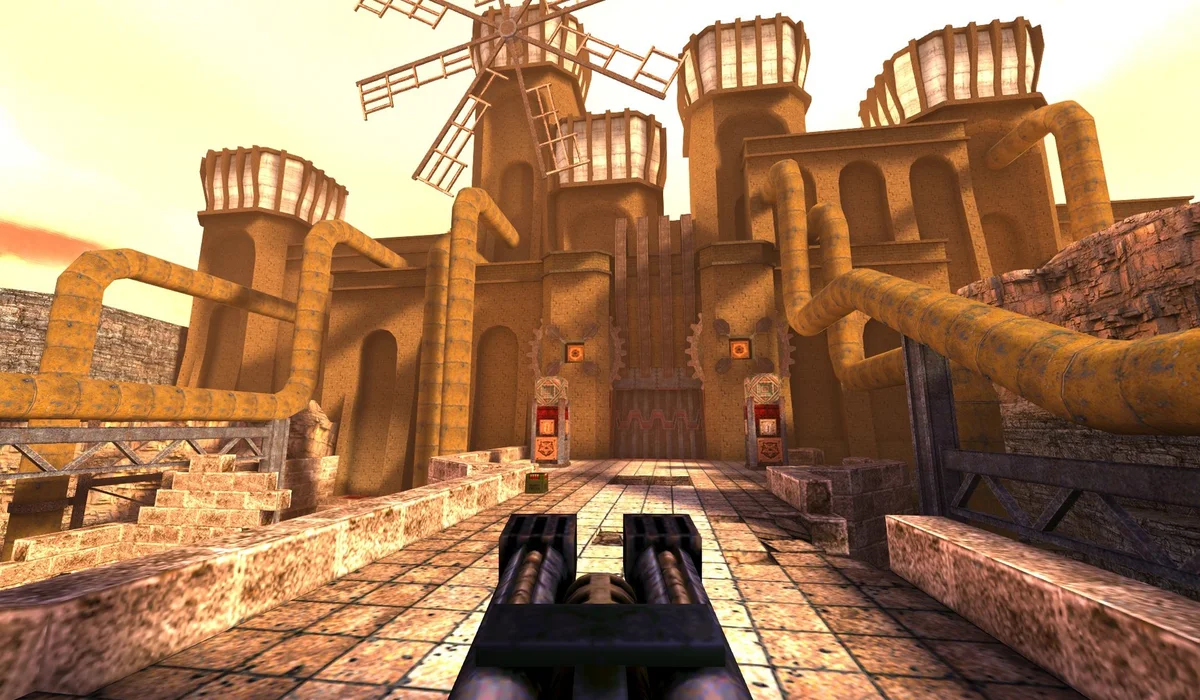
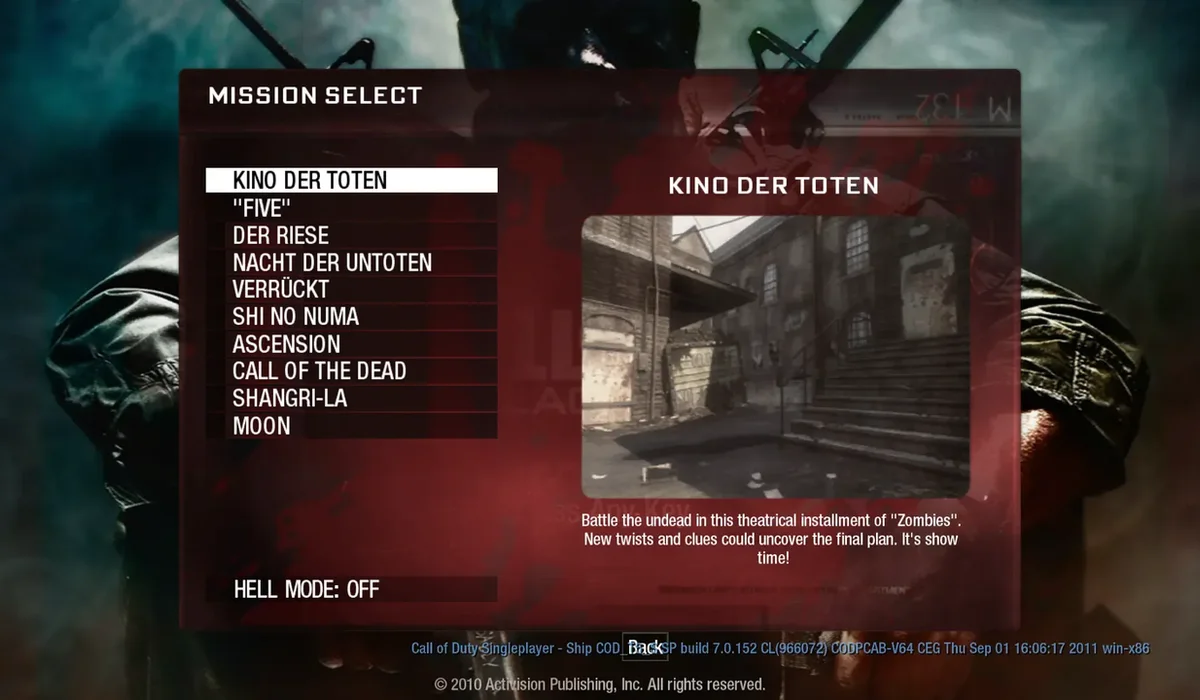 Black Ops 1 Zombies↗QuakeWorld↗
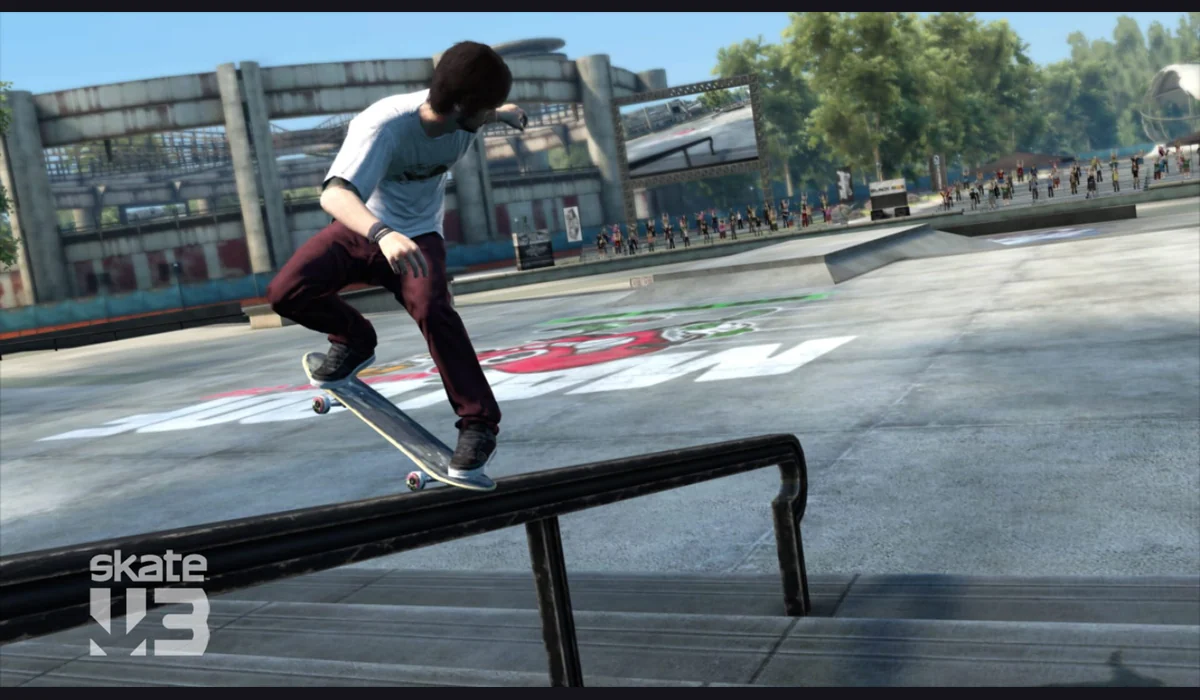 Skate 3 clean-room↗
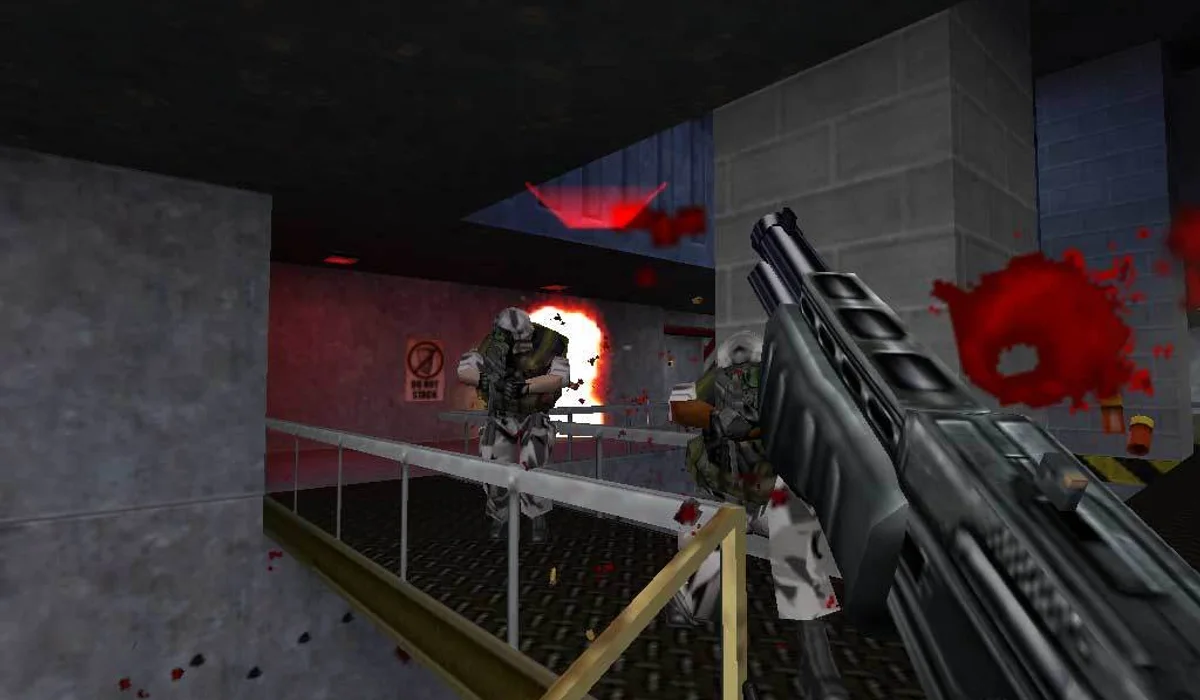 Half-Life: Uplink↗
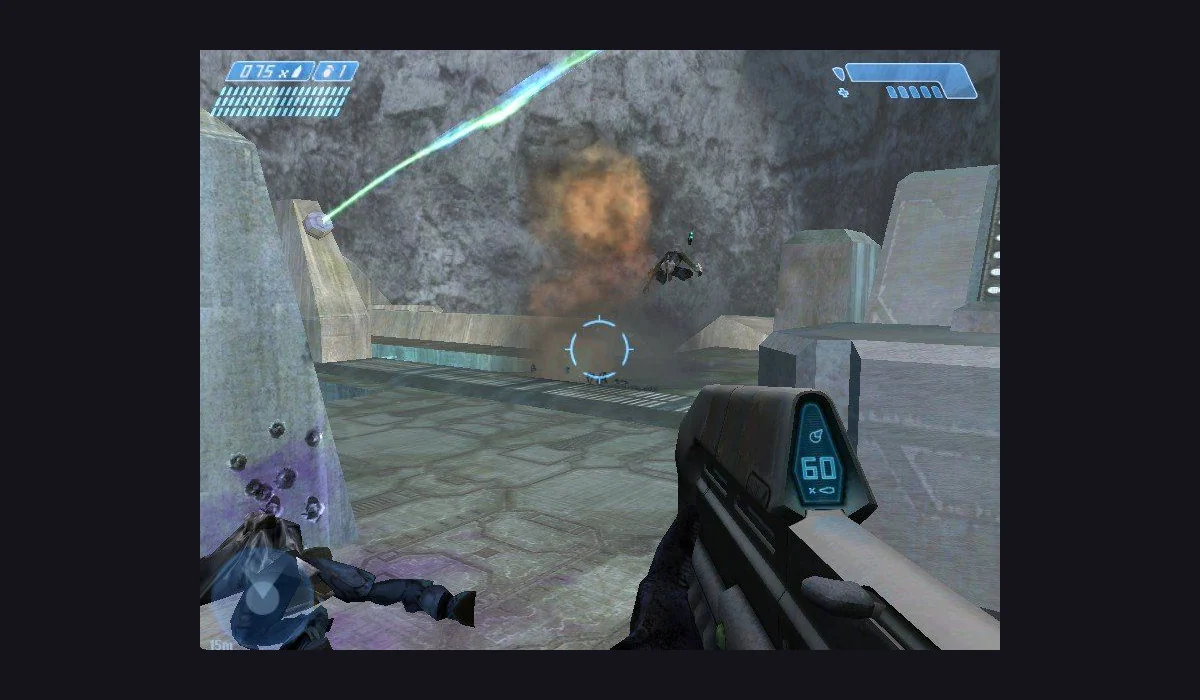 Halo: Combat Evolved↗
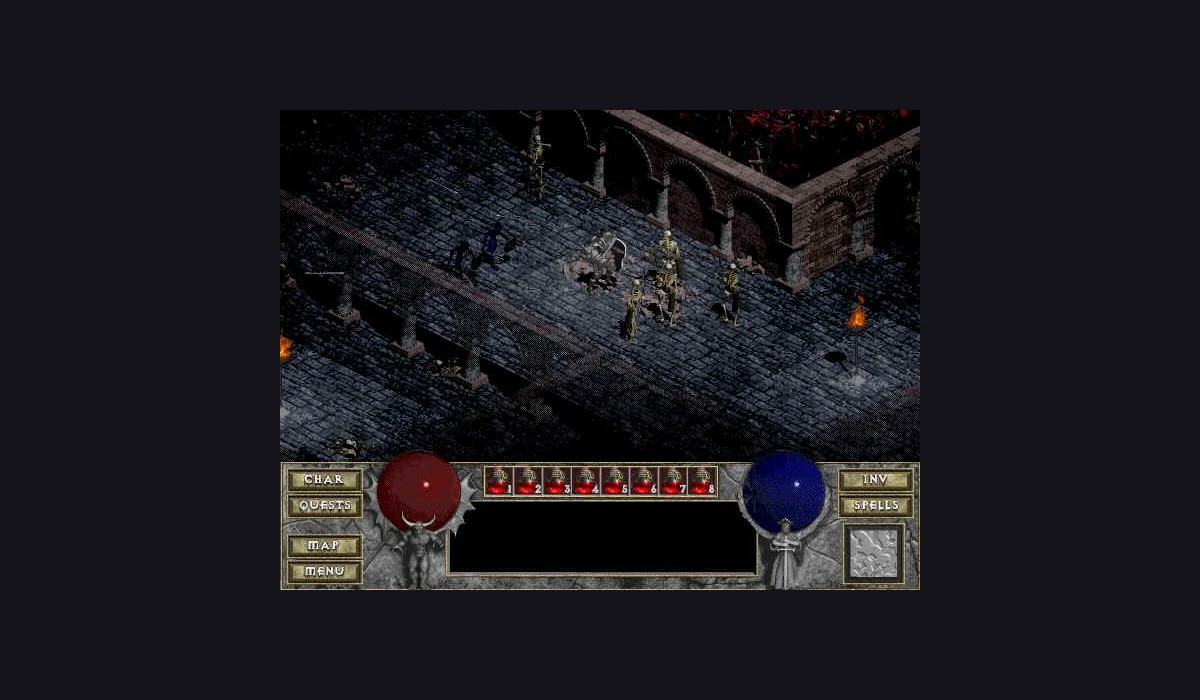 Diablo Shareware↗
3 launchers to play hereMore projects in the list ↓
YOUR NEXT GAME IS IN THE LIST
All browser games
Choose a title, check the setup and press Play now. Keep your favourites for next time.
40 games found
START
GENRE
Half-Life: Uplink
shootersSkate 3 clean-room
sports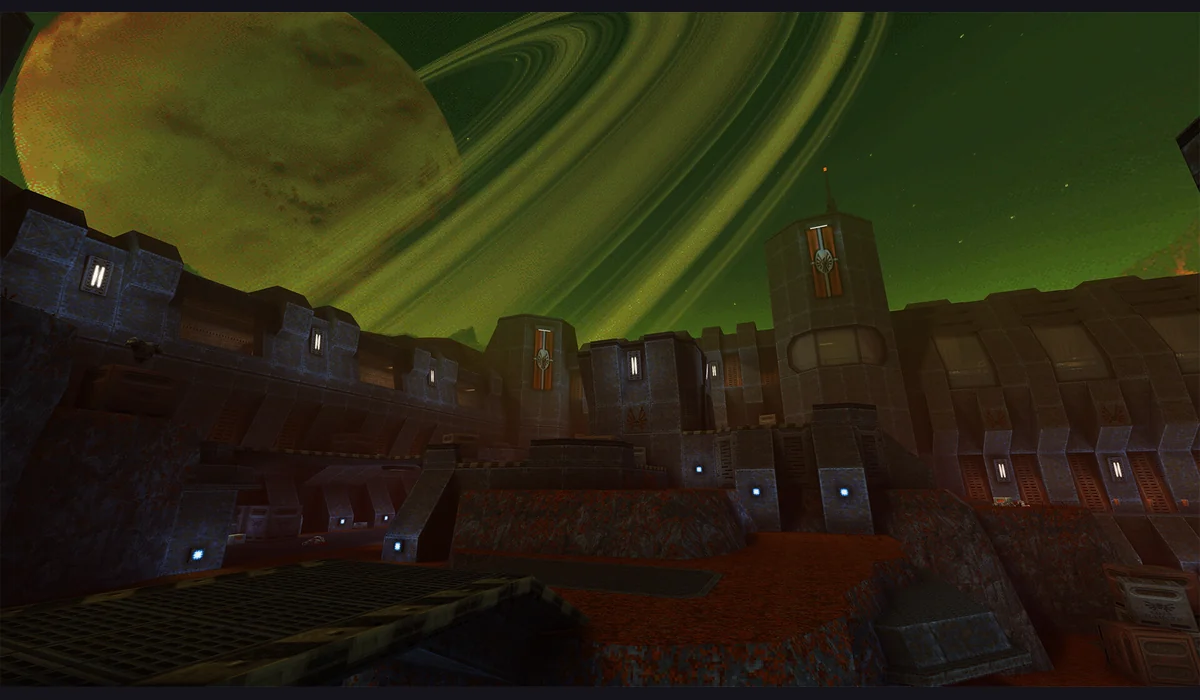
Quake II
shooters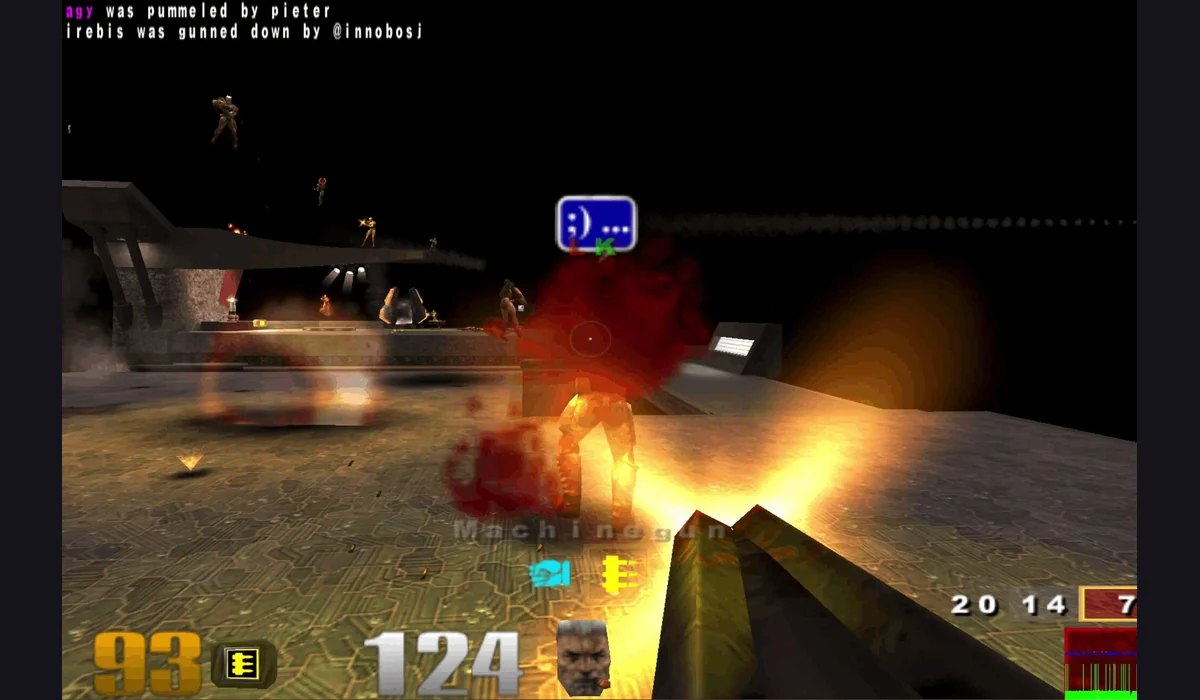
Quake III Arena
shooters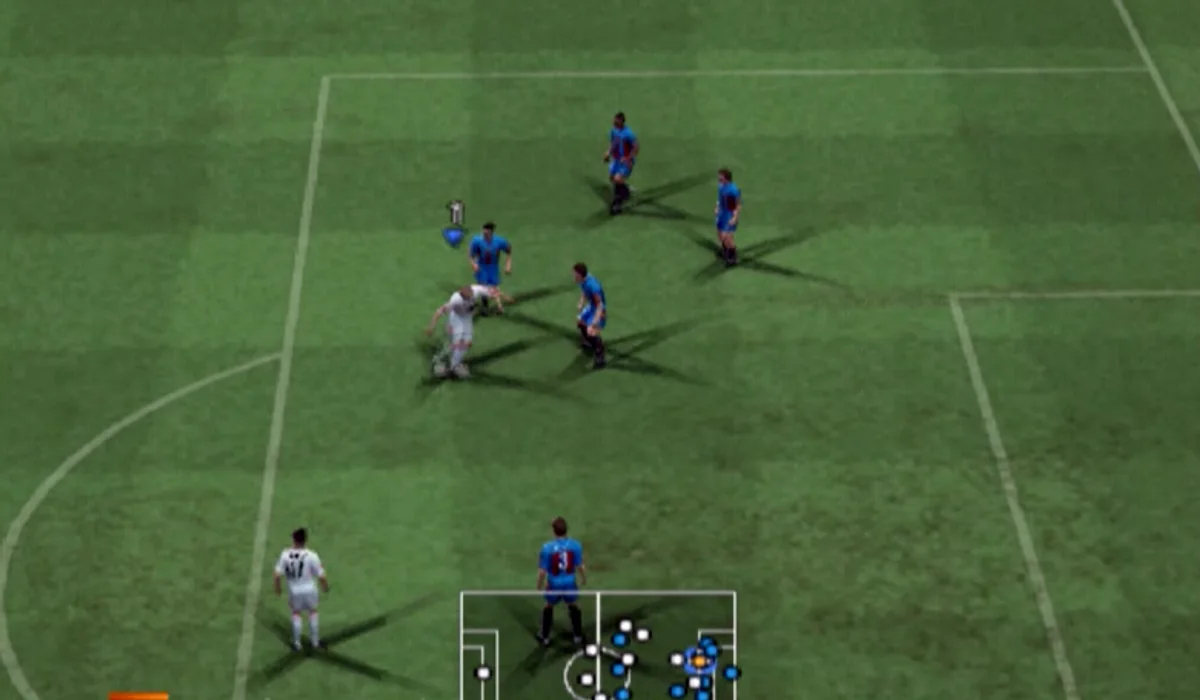
PES 6
sports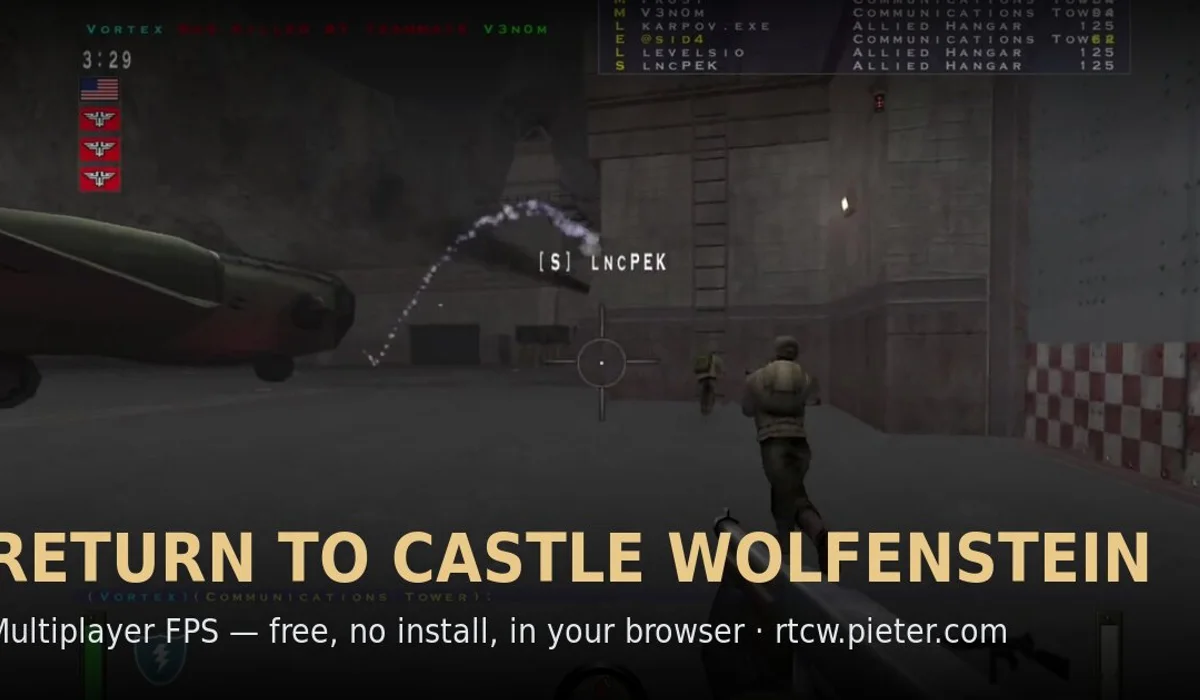
Return to Castle Wolfenstein
shooters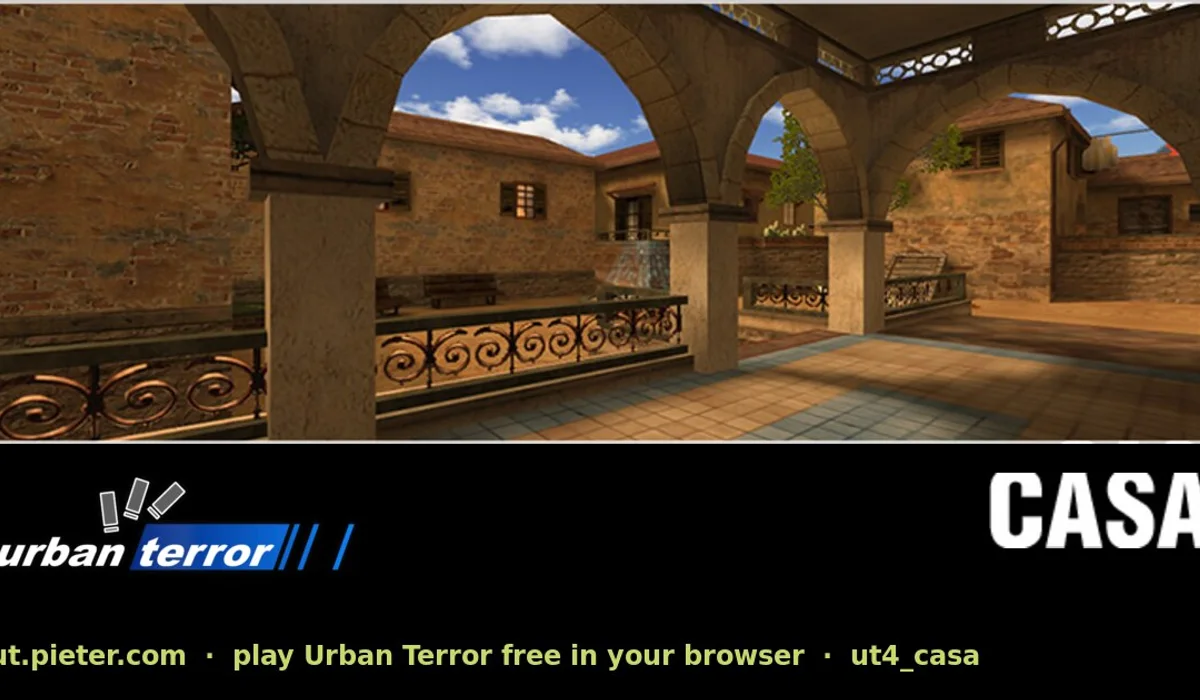
Urban Terror
shooters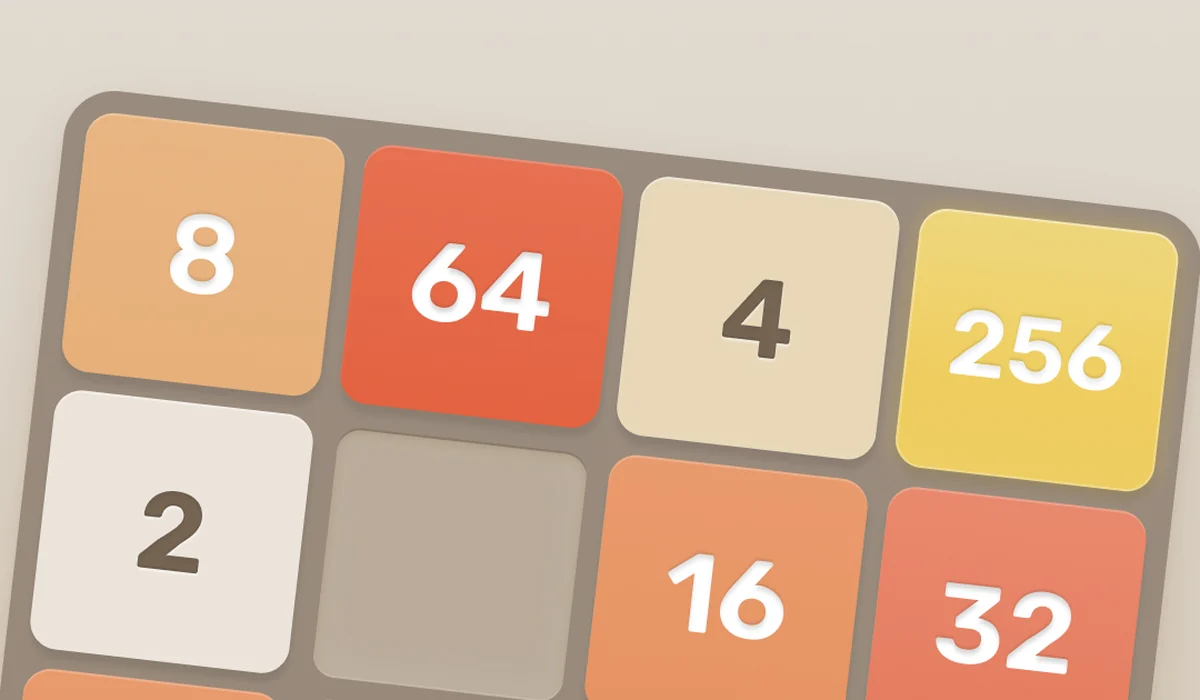
2048
puzzles
DOOM
shooters
LEGO Island
adventure
Minecraft Classic
open world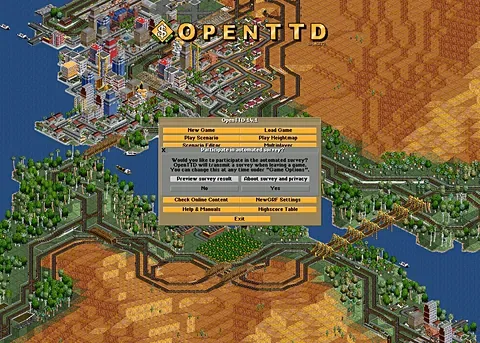
OpenTTD
strategy
Prince of Persia (1989)
platformers
Zombs Royale
multiplayerBlack Ops 1 Zombies
zombies
GTA III
open world
GTA: Vice City (WASM Arcade)
open world
Minecraft 1.8.8 (Eaglercraft)
open world
CS Surf
movement
Kino der Toten
zombies
Moon (Zombies)
zombies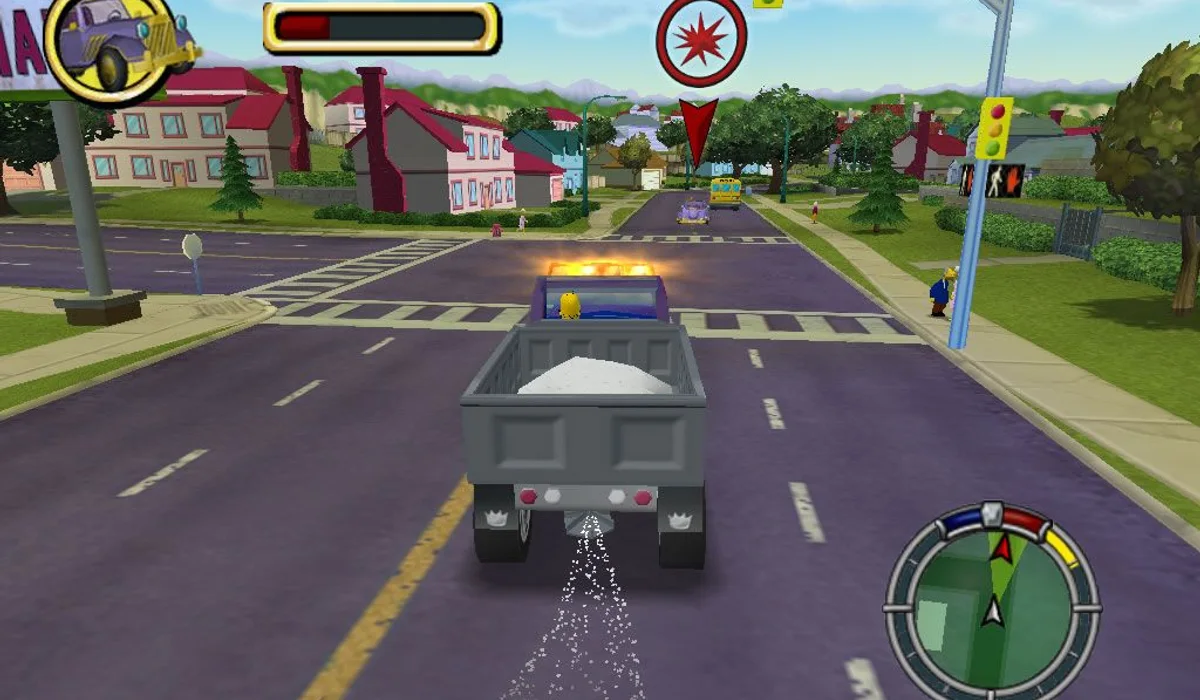
The Simpsons: Hit & Run
open world
WASM Arcade (more GTA and Minecraft)
open worldHalo: Combat Evolved
shooters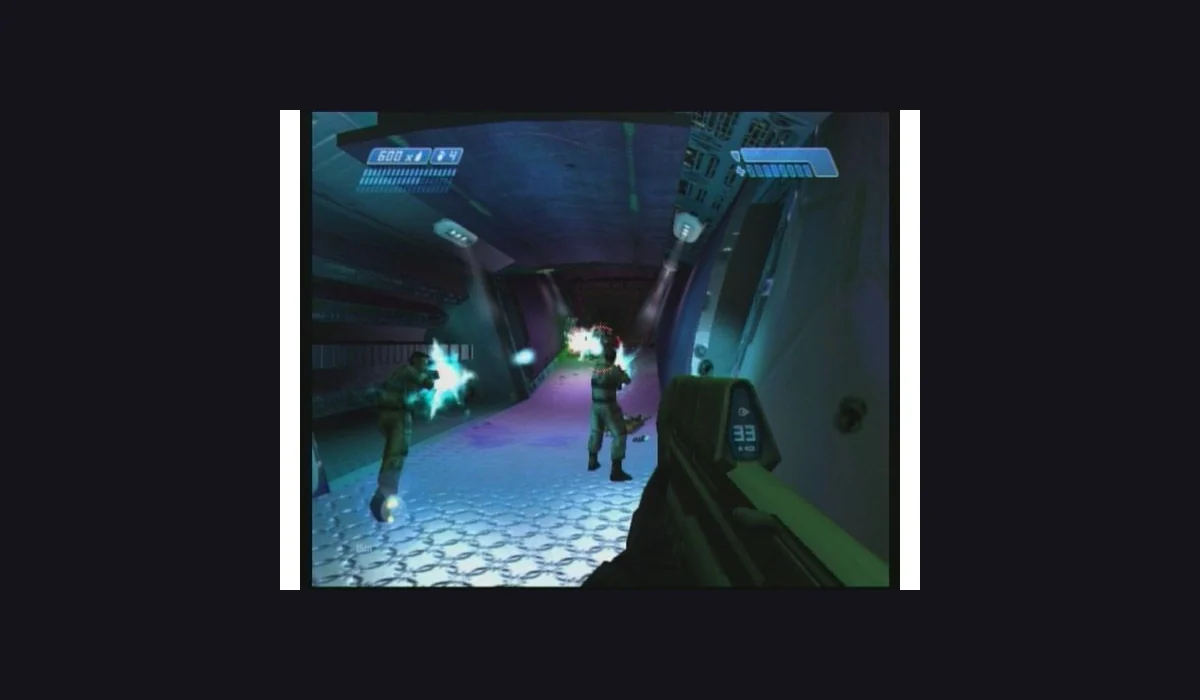
Halo CE Mobile
shootersGTA: Vice City
open world
Half-Life Web (owned files)
shooters
Infinite Craft
open world
Shell Shockers
shooters
Slow Roads
racing
Wolfenstein 3D
shooters
No games match these filters.
Try another genre or show all games. Use the bookmark on a card to add it to Saved games.
Play here opens a RadiantGames player. Other Play now buttons open the original project in a new tab. Demos, shareware and owned-file projects are labelled; a browser port does not automatically include the full game.
BROWSE WITH A PURPOSE
Choose your next route
PICK UP WHERE YOU LEFT OFF
Recently opened
Your game links stay on this device. Game progress stays with the original project.
Open a game to build your recent list.
POPULAR GAME SEARCHES
Find the version you actually want.
VERSION & LAUNCH GUIDE
BO1 Zombies
Looking for BO1 browser Zombies? Enter a name, choose Singleplayer or Multiplayer and select Classic or Counter-Strike guns before Choose Map. Then open Kino der Toten, Moon or another listed map in the project tab.
VERSION & LAUNCH GUIDE
Halo browser
Choose a Halo: Combat Evolved browser project for your device before importing anything. Desktop and mobile launchers use their own interfaces and compatible game-image requirements.
VERSION & LAUNCH GUIDE
Skate 3 browser
Choose between the clean-room WebGPU project, Skate Rust and the converted-data port. They have different launchers and requirements; start with the exact build you want.
VERSION & LAUNCH GUIDE
GTA: Vice City browser
Compare the hosted reVC route on WASM Arcade with a separate legacy project that imports your own game.tar.gz. Check the version before choosing files, controls or save tools.
New short games on the Play Desk

BEFORE YOUR NEXT SESSION
Find a browser game that fits your next session
Radiant Optimizer Games brings together browser game projects, playable demos and practical instructions. RadiantGames helps you choose by version, input and game-data requirements, so a familiar title does not hide the steps needed to start.
How to play games in your browser
Start with a Play here card for an embedded launcher. QuakeWorld asks for a player name before joining an arena. Half-Life uses the Uplink demo selector and then its game menu. DiabloWeb offers a shareware route before single-player hero creation. Let each project finish its first asset load before refreshing.
For a game that needs its own launch context, open the project in a separate tab. BO1 Zombies has a map selector, Halo CE needs a compatible image from your own copy, and the linked Skate clean-room build uses WebGPU. These are separate experiences with separate requirements.
Choose the version before the download
A browser port can provide an engine without providing an entire commercial game. A demo, shareware build, multiplayer client and owned-data import should therefore have different labels. Our Radiant Optimizer browser games list keeps that distinction beside each launch route.
Use the BO1 Zombies guide for maps and launch context, the Halo browser guide for desktop and mobile choices, or the Skate browser guide to identify the clean-room build and its limits. Each guide provides a useful next action and the relevant project reference.
Match the game to your device
Start classic shooters on a desktop or laptop with keyboard and mouse. A phone-sized webpage cannot add touch controls to the game inside it. Halo CE Mobile explicitly documents mobile inputs, while the Skate project has its own graphics requirements. Check the destination’s instructions before a longer load.
If an embedded game stays blank, compare it with its project in a separate tab. If a scene loads but input fails, click inside the game first. The RadiantGames launch guide separates loading, focus, files and saves. Our companion play app also keeps a local shelf of saved launchers.
Browser games: quick answers
Are the full commercial games included?
The scope depends on the project. Uplink is a demo, Diablo is shareware, and Halo CE requires compatible data from your own copy. Read the version label first.
Does browser play mean nothing downloads?
The browser still transfers engine and game assets. Some launchers also require your own compatible game files.
Why do some cards open a guide?
BO1, Halo and Skate have different versions or launch requirements. Their guides explain those choices before sending you to the project.
Do I need a RadiantGames account?
No account is needed for this directory or its embedded launchers. A third-party project may have its own account features.
MORE ROUTES TO EXPLORE
Versions and new projects
Azeroth Survivors is a new browser project, separate from the classic PC ports.