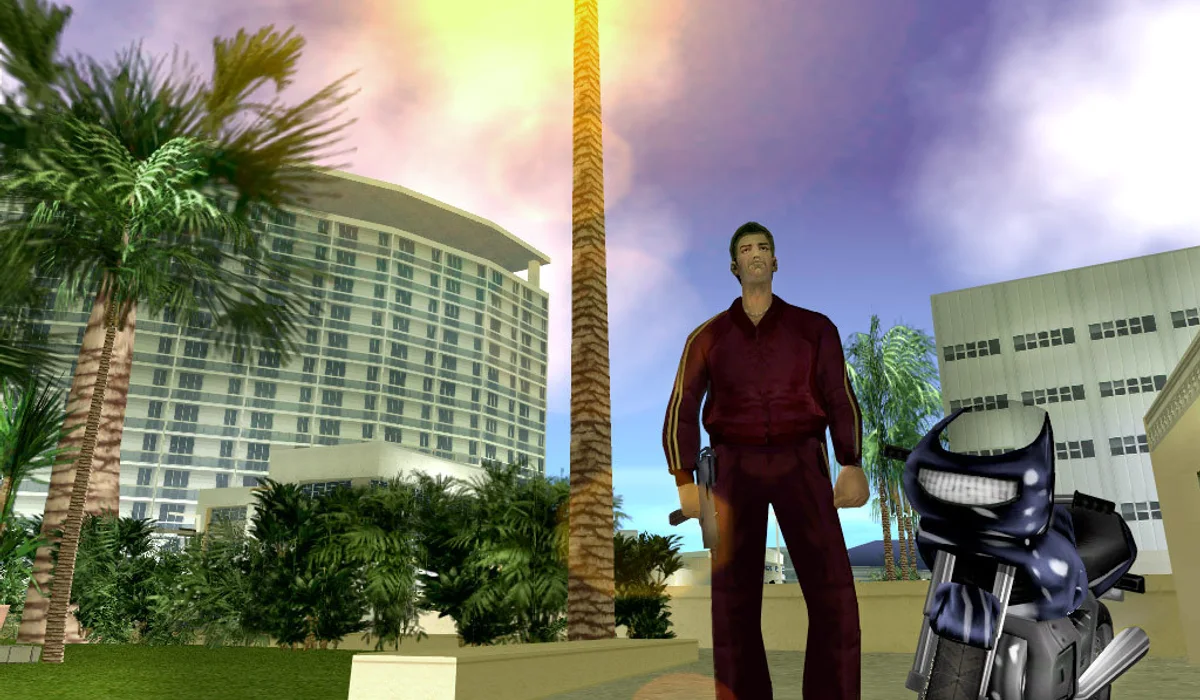
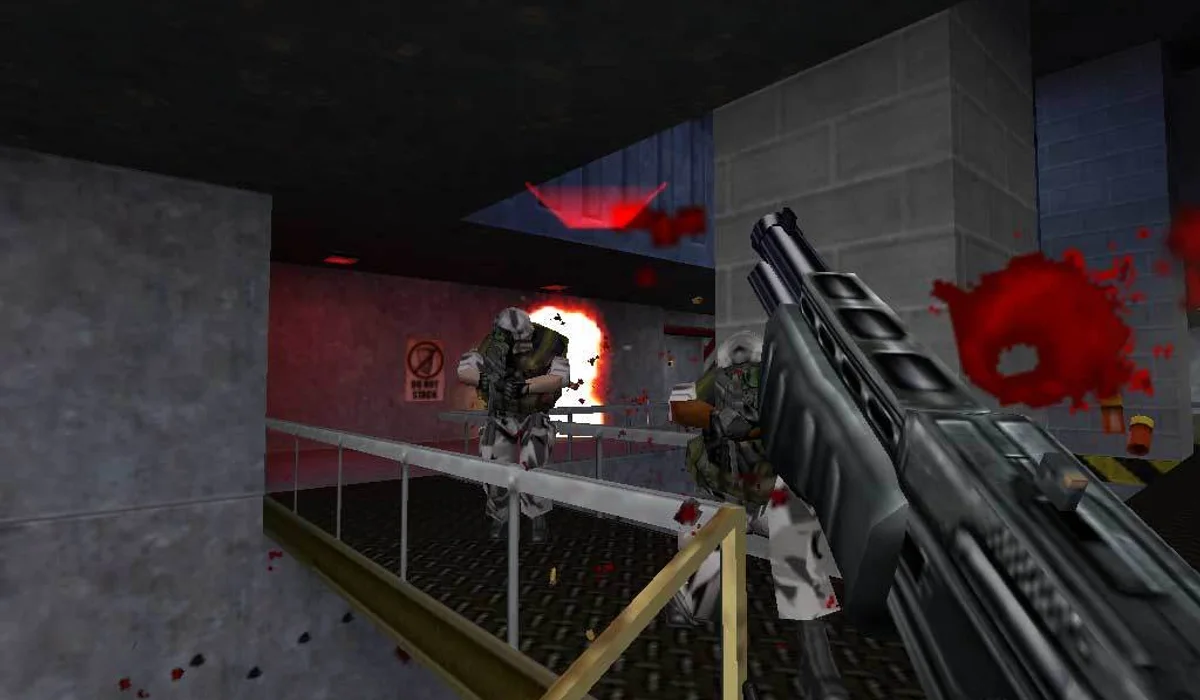
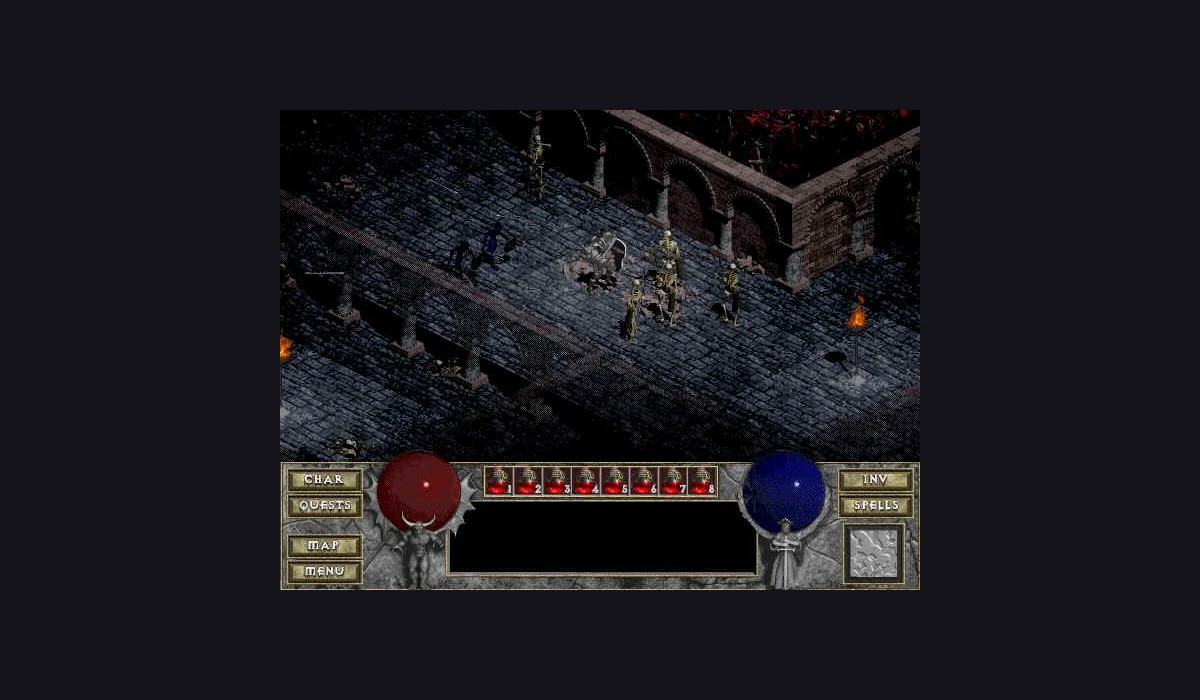
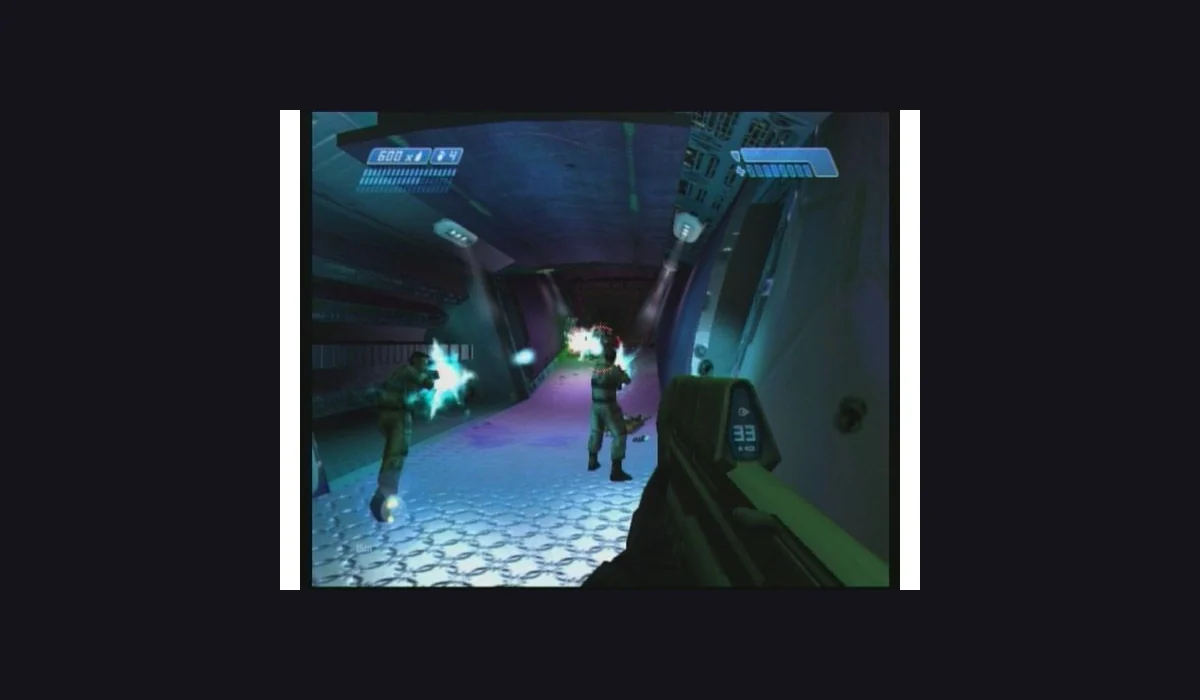
Compare the hosted reVC route on WASM Arcade with a separate legacy project that imports your own game.tar.gz. Check the version before choosing files, controls or save tools.
The current portal page offers Play Vice City, Controls, Saves and Fullscreen. Open it on its original host; that portal blocks cross-site frames. Asset preparation still needs a network download.
The Joncodeofficial project below uses a compatible game.tar.gz from your own copy. Its import and save controls are separate from the hosted route. Read the version-specific sections before choosing files.
Open the project and check its current archive instructions. Use compatible data from your own Vice City copy.
Prepare the local import
Choose the correct game.tar.gz and wait for the import state to finish. A progress save does not supply game assets.
Start the prepared game
Use Start to play in the project. Check its settings and input controls before continuing the session.
BEFORE A LARGE IMPORT
Game data and saved progress are separate.
GAME ASSETS
game.tar.gz
The selected project describes a local game-data archive. Prepare the compatible data from your own Vice City copy using the maintainer’s instructions.
The launcher has a separate save-slot import. A save file does not replace the engine’s game-data archive, and a saved directory link does not back up either.
GTA: Vice City browser: version, setup and useful checks
Which GTA browser project is this?
This guide identifies the Joncodeofficial Vice City WebAssembly port. It is a separate fan project with its own launcher, archive requirements and save options. It is not GTA V, GTA Online or a browser streaming subscription. Use the project title and address to keep those searches separate.
The button opens the original project in another tab. That gives its local import and storage flow its own host context while leaving these instructions available. This directory does not provide a commercial game-data archive or run a file-upload service.
Vice City game.tar.gz: assets before saves
The launcher describes a game.tar.gz import for the game data. Prepare the compatible archive from your own copy using the port’s current instructions, then wait for its local import status before starting. A renamed ZIP, an unrelated GTA edition or a saved-game file is not the same data format.
Keep the project’s actual error text if it rejects an archive. Check the required game edition and archive layout against the maintainer’s guidance instead of choosing the same file repeatedly. The browser game file comparison shows why this archive differs from Halo images, Diablo MPQ data and WebXash folders.
Local browser data and Vice City save slots
The project documents local archive storage and a separate PC-save import into a slot. Treat the game assets and progress as separate records. Review its current import and backup instructions before removing browser data, moving to another profile or replacing an existing archive.
A favourite on RadiantGames remembers this launch route. It does not copy a Vice City save or move the project’s stored assets to another device. Return to the same host and browser context when checking a previous import. For a practical distinction between links and progress, read the App save-progress guide.
Vice City browser not loading: check the stage
Begin with the visible stage. If the project is still importing, let its progress finish. If it reports missing game data, inspect the chosen archive. If its menu is visible, use the start action. A scene with unresponsive controls instead calls for the project’s focus and input instructions.
This guide reviews the launcher and its documented route; it does not claim every mission, save slot or device was tested. If the original project is unavailable, choose the Uplink demo or another labelled game in the classic PC collection while that host is unavailable.
GTA 5 browser link searches: check the game edition
GTA 5 browser site, port and archive queries ask for a different project from Vice City. An archive can preserve a webpage while scripts, assets or servers remain unavailable. We have no verified GTA 5 play route to offer in this directory as of October 14, 2026.
For Vice City, use the compatible own-copy archive and the selected port’s instructions above. To begin with a demo or shareware route instead, compare browser PC games and their setup. A saved launcher link does not provide either edition’s game assets.
GTA: Vice City browser questions
Is this GTA V in the browser?
No. The selected project is GTA: Vice City. This guide does not claim a working GTA V browser launcher.
Does a Vice City PC save replace game.tar.gz?
No. The save stores progress; the engine still needs its compatible game-data archive.
Will saving the link preserve an imported archive?
No. The directory favourite and the project’s local game data are separate. Use the project’s own storage and save guidance.
Can I play here without my own game data?
Two routes are compared here. WASM Arcade publishes a hosted reVC launch page; the legacy Joncodeofficial port describes an own-copy game-data import. Open the relevant project and follow its current requirements.
Does a GTA 5 browser archive link start Vice City?
No. GTA 5 browser, GTA Online and this Vice City port are separate searches and projects. This directory does not list a verified playable GTA 5 route; an archived page alone does not establish that its game assets still load. Use the version and files described here for Vice City.