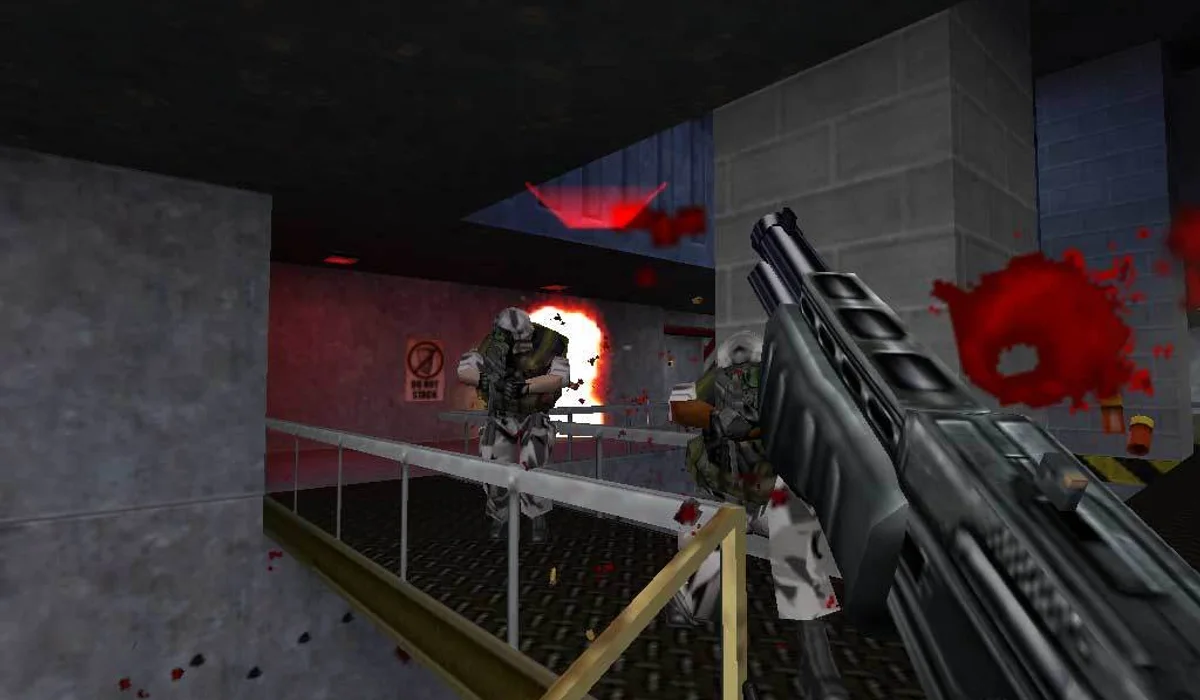
Load a launcher map
Confirm WebGPU starts and the map responds to your keyboard or gamepad. Start with the project’s default choices before trying a community map.
Check browser requirements → RadiantGames.
WEBGPU · KEYBOARD OR GAMEPAD
Choose between the clean-room WebGPU project, Skate Rust and the converted-data port. They have different launchers and requirements; start with the exact build you want.
Launcher or documentation reviewed October 12, 2026. Full campaigns, every map and every device are not tested.
By RadiantGames · Content updated
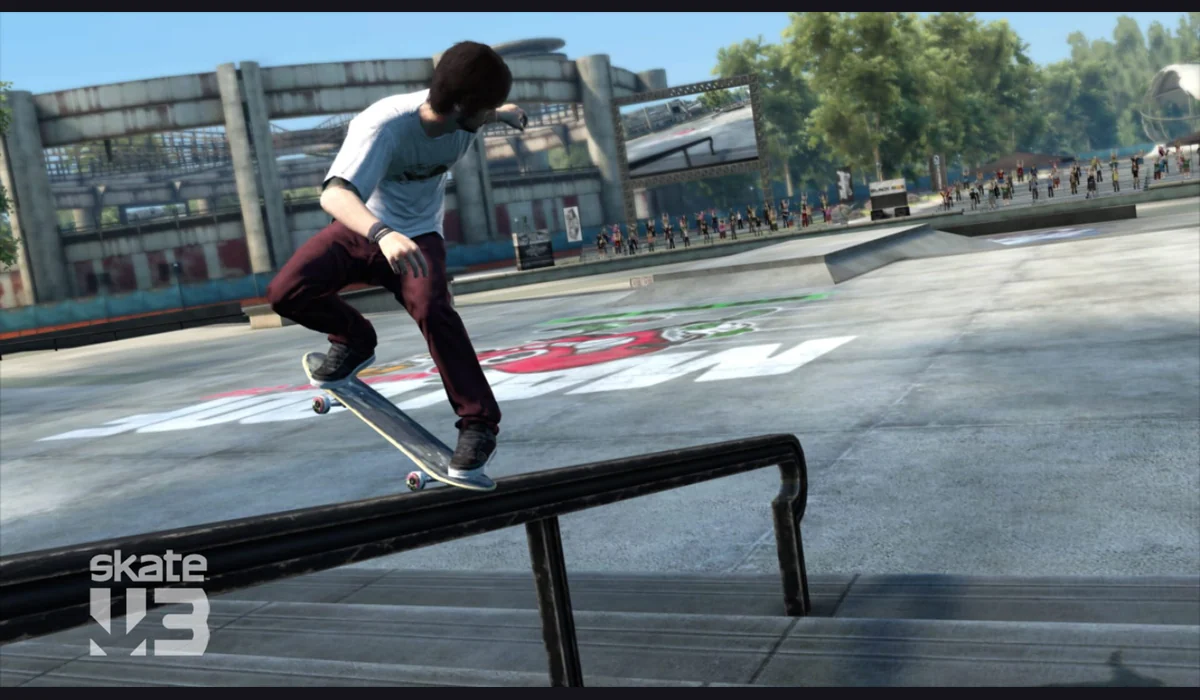
Open the game to begin.
The maintainer recommends Chrome or Edge with WebGPU. A current desktop browser is the practical starting point.
Use the project’s map picker. Let the selected scene finish loading before changing maps again.
Read the current keyboard or gamepad guide. Try a short solo session before joining a room.
KNOW THE BUILD BEFORE YOU SKATE
Confirm WebGPU starts and the map responds to your keyboard or gamepad. Start with the project’s default choices before trying a community map.
Check browser requirements →The maintainer documents public rooms and private invite links. Confirm your inputs in solo play first, then follow the Multiplayer menu on the project.
Read the room notes →BEFORE YOUR NEXT SESSION
Open the clean-room build for its own published assets, map picker and WebGPU engine. Its current entry documents keyboard, gamepad and an on-screen pad for phones and tablets; device compatibility still depends on graphics support.
Open Skate Rust for that separate project. Do not assume its maps, rooms or saves are shared with the clean-room address. Open the converted-data port only after checking its own data preparation instructions. A retail archive, a converted pack and a clean-room asset pack are not interchangeable.
The maintainer describes a Rust/Bevy engine rewrite compiled for WebAssembly and WebGPU, with regenerated visual and sound assets. Keyboard and browser gamepads are documented. This identifies the build behind the button above; it should not be presented as every feature of the commercial Skate 3 release.
Choose a project by what it actually lets you do. If your aim is a short skating session, start by loading a map and testing your preferred input. If you need a particular retail feature, confirm it in the maintainer’s documentation first. A familiar game name on a search result is not enough to identify its engine, available content or save behavior.
The author’s browser guidance specifies Chrome or Edge 113+ with WebGPU. Use an up-to-date supported browser and check the project’s own error message if the renderer cannot start. A browser version number alone does not establish that a device exposes a working WebGPU adapter.
Start on a desktop or laptop and keep one game window active while you test. A black canvas can occur at a different stage from a missing control response: first check whether the renderer started and a map loaded. Do not keep changing maps during a download, because that makes it harder to see whether the first selection was progressing.
The project has a map picker and can load community maps through its documented routes. The repository also lists known limits for unfinished districts and missing content. Read that list before assuming a particular park or feature is available. Music and speech are not shipped in the described clean-room pack.
Begin with a map offered by the launcher itself. A community map may have its own size, hosting and compatibility conditions. If a map does not load, return to a known launcher option before diagnosing the entire engine. Avoid importing a file simply because it shares a skating-related name; use the format the project documents.
The documented browser room flow supports up to ten players, using the Multiplayer menu beside the map picker. Private rooms provide an invite link; public rooms appear in the project’s room menu. The first player hosts, and the author says others need to reload if that host leaves. This is the documented room model, not a test of every connection.
Confirm movement and basic tricks in a solo scene before joining a room. Check keyboard or gamepad bindings on the destination, since the full retail controller layout should not be assumed. If input stops after visiting this guide, focus the game again. For a different play experience, try QuakeWorld or browse the Radiant Optimizer games list.
Skate 3 browser and Skate 3 cleanroom searches can lead to builds with different asset and graphics requirements. This page identifies the linked clean-room web build. Its own controls, maps and documented limitations decide the experience; the retail game title alone does not promise a complete campaign.
Choose a solo map and confirm the current controls before a room session. Compare the multiplayer browser games routes if you want an arena instead, or the classic PC demos and ports for another starting point.
No such promise is made. This guide identifies a clean-room web project whose content and limitations are described by its maintainer.
The linked clean-room web build loads its own published asset pack. That is a different route from builds that ask you to convert an owned game copy.
The maintainer documents keyboard and browser gamepad support. Use the project’s current control instructions and verify that your browser detects the controller.
The build needs WebGPU support from both browser and device. Read its error message and test in a supported current desktop browser; reloading cannot add missing graphics capability.
Project features and requirements can change. The destination’s current instructions take precedence over these reviewed notes.
YOUR NEXT GAME
Pick a different experience or save a route for your next visit.
BROWSE WITH A PURPOSE
FROM REFERENCE TO PLAY
Compare versions here; use RadiantGames App for players and session help.