
RADIANTGAMES · FIVE PROJECT ROUTES
Multiplayer browser games
An arena for a quick match or a skating room for friends. Compare the project, input and connection steps before opening your next game.
Choose by the session you want
BEFORE YOUR NEXT SESSION
The right version makes a better first session
Multiplayer browser games do not all use the same connection model. An arena client joins a server; a room-based project needs a host or invite. Choose the model that suits your group before asking everyone to wait for a download.
Quake arenas and a tactical alternative
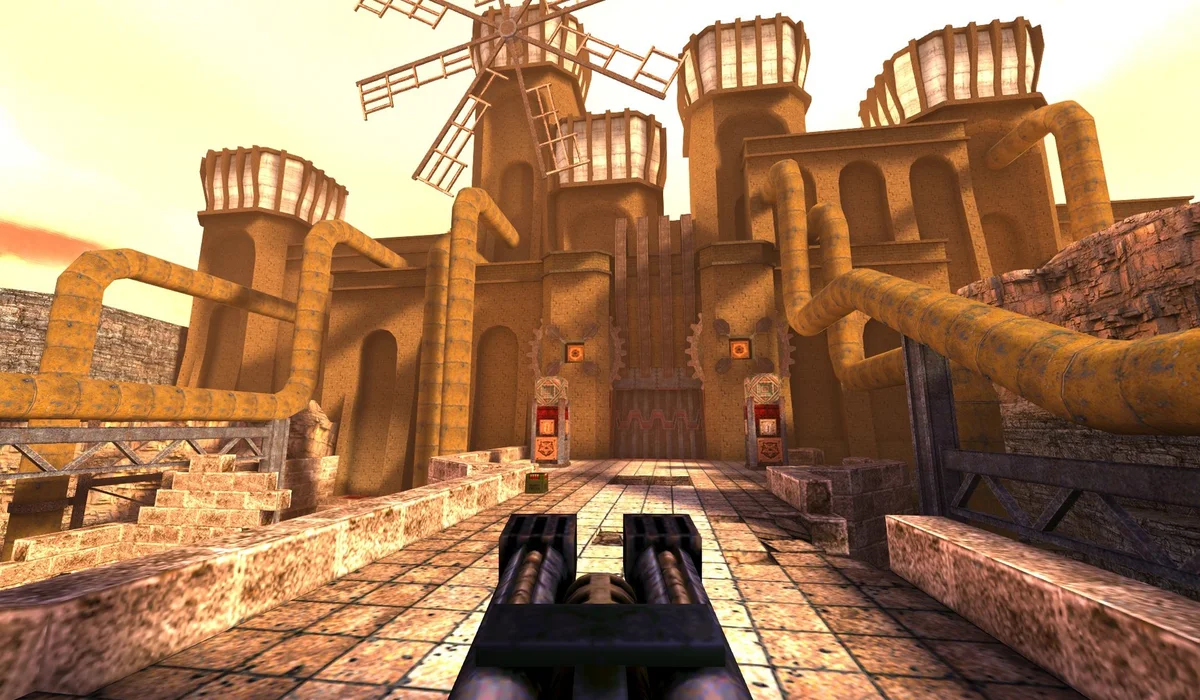
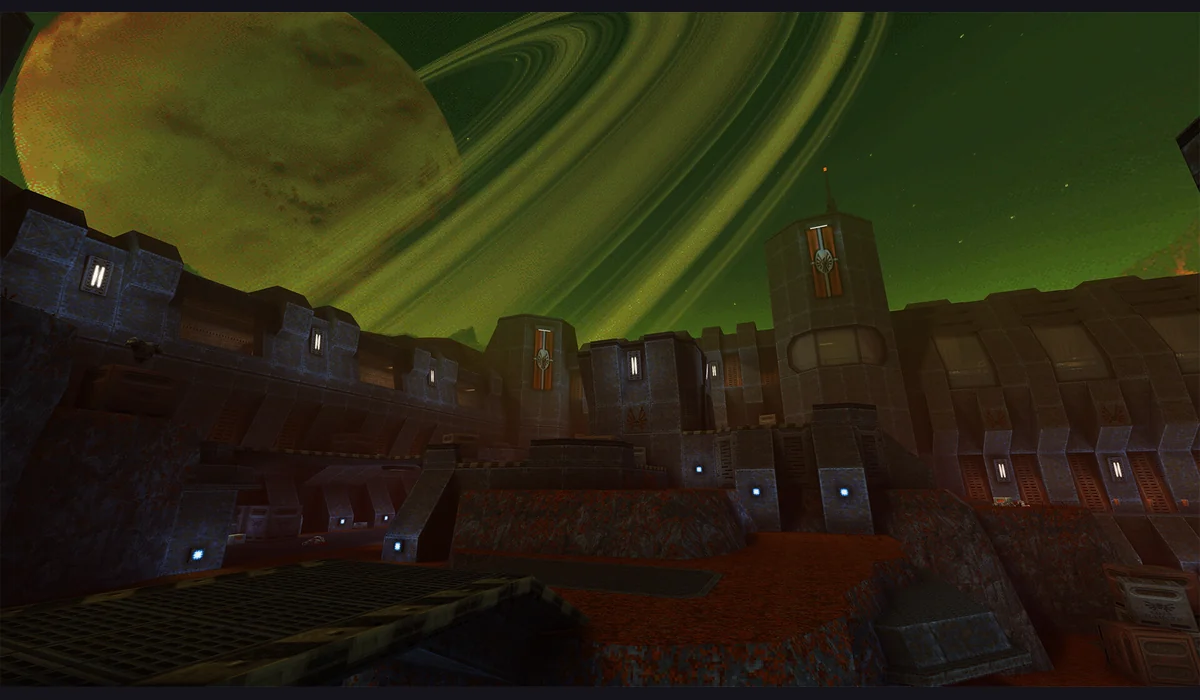
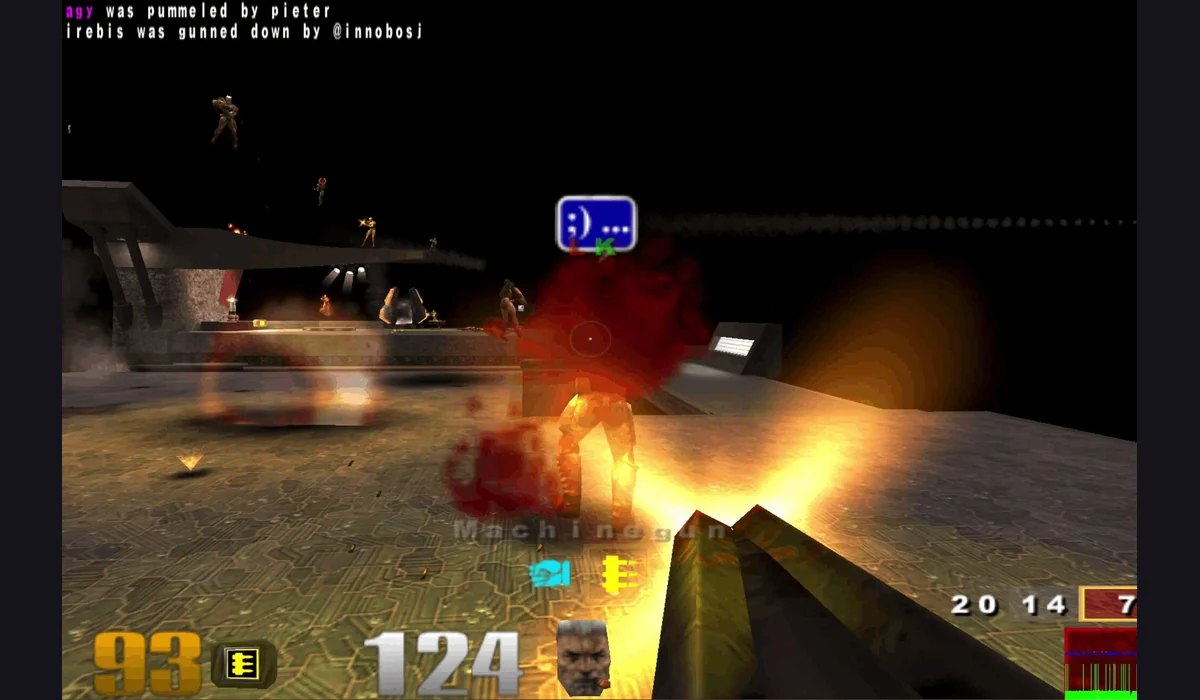
QuakeWorld browser play is the embedded route in this collection. Enter a player name, use the project’s Play button and wait for an arena connection. Quake II and Quake III use separate original launchers. A working QuakeWorld window does not verify those other projects or tell you which server a friend joined.
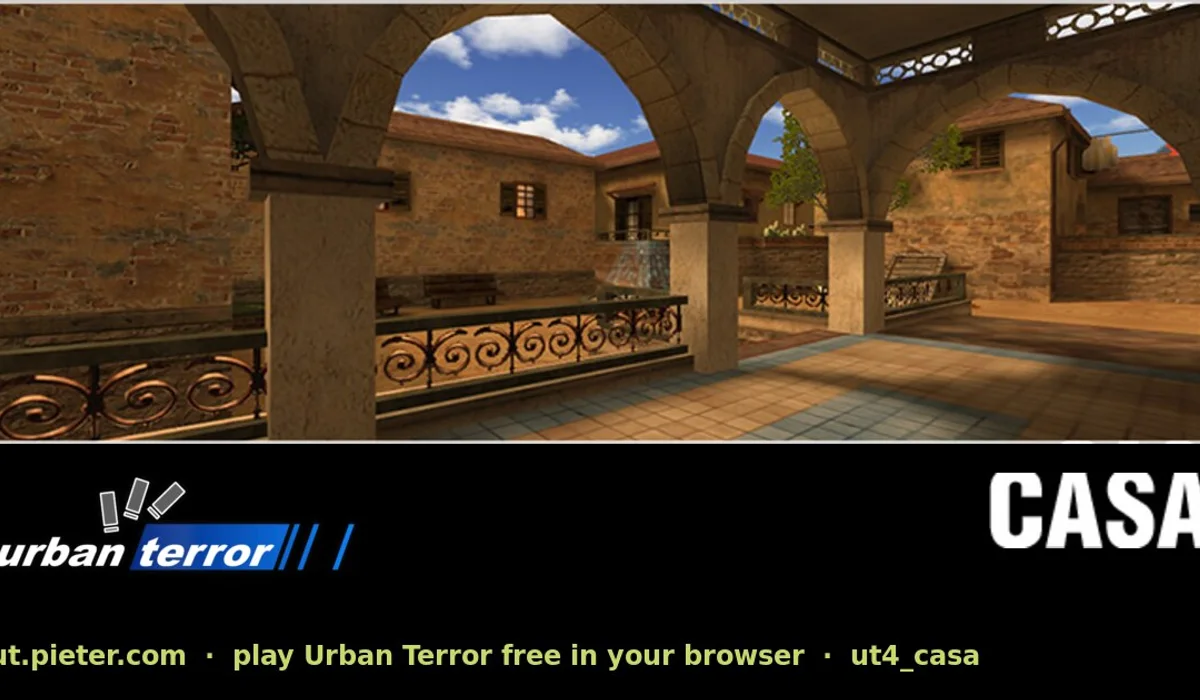
Urban Terror is another external route for a tactical shooter session. Follow that launcher’s server choices and input instructions. For each arena, agree on the exact project and server first; a shared game title is not a shared lobby.
Skating with a room instead of a server list
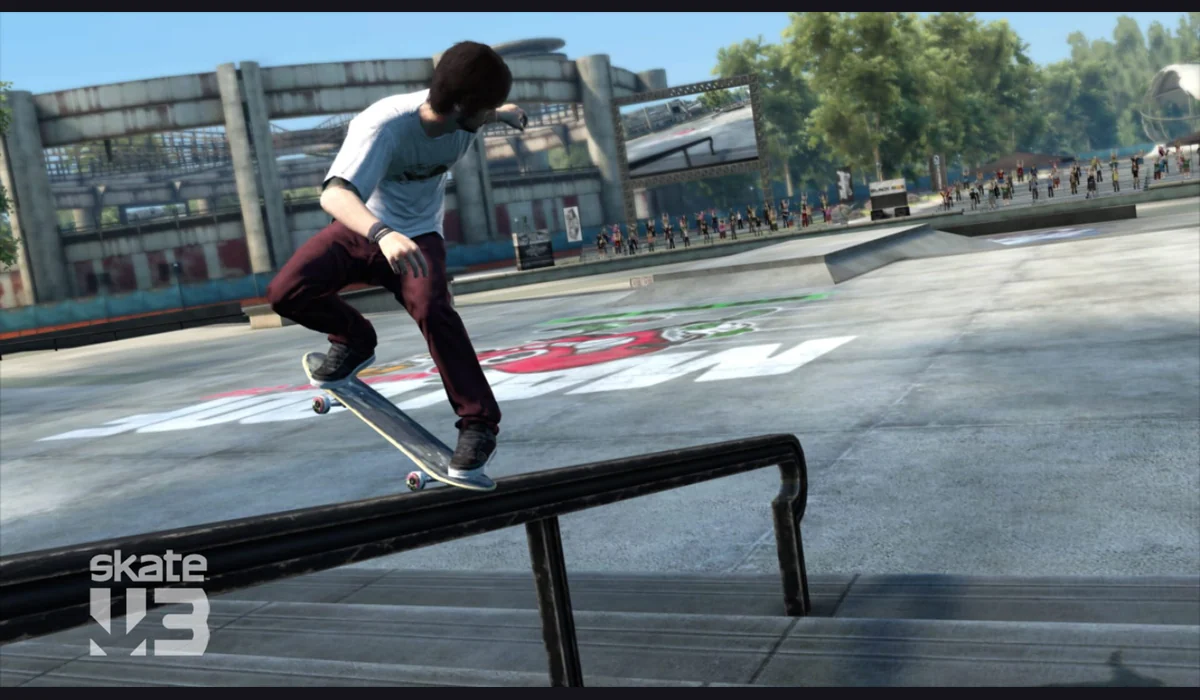
The Skate clean-room room guide explains the maintainer’s room flow. Test a solo map before joining or hosting. Use a public room or the private invite issued by that project. Its documented host behavior matters if the player running the room leaves.
A browser invite does not remove graphics requirements. Check WebGPU and the current input mapping on each device, and let the initial scene finish loading before diagnosing a connection.
A useful plan for the first shared session
- Pick one exact project and check its listed requirements.
- Test a solo scene or arena connection on each device.
- Choose the same server or share the project’s room invite.
- Focus the scene and confirm movement before a longer match.
Server availability, room population and latency can change. These listings describe launch routes, not a promise that every arena is populated. Keep an alternative saved so the group can change games if its preferred host is unavailable.
When one player cannot join
Separate a missing scene from a connection problem. If the engine has not loaded, begin with the browser game loading guide. If the scene appears but keys do not reach it, check focus. For a stopped QuakeWorld connection, compare q1 in its original tab before restarting. Avoid changing everyone’s project at once: check the same launch route first.
Collection questions
Do all these projects share a lobby?
No. Quake clients, Urban Terror and the Skate build have separate servers or room systems. Choose the same project and session as your friends.
Is every listed project embedded here?
QuakeWorld has a RadiantGames player. The other buttons open their original project tabs, with their own launch requirements.
Can I use any device for a multiplayer match?
Start with the project’s documented device and controls. A phone-sized page does not establish touch gameplay or the required graphics support.
BROWSE WITH A PURPOSE
Choose your next route
FROM REFERENCE TO PLAY
Choose your next session
Compare versions here; use RadiantGames App for players and session help.