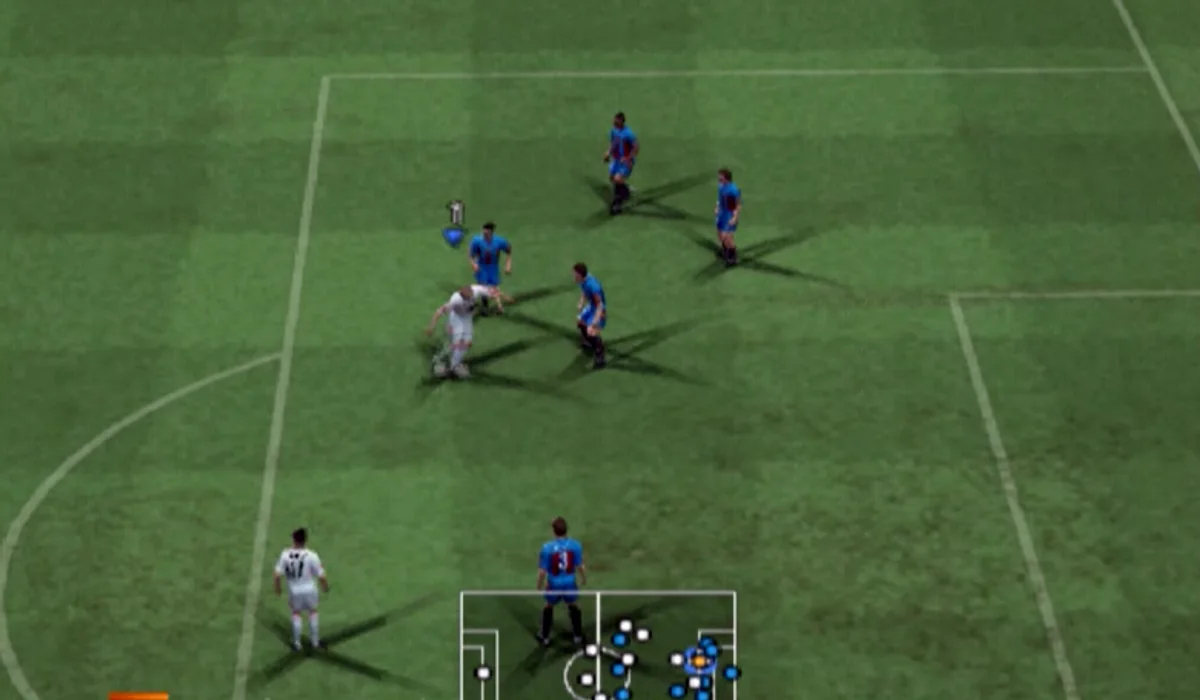
This is the PSP route, not the PC edition
The maintainer identifies PES 6 Web Online as Pro Evolution Soccer 6 for PSP running through WebAssembly in a browser. That version distinction matters for menus, saves and expectations: a PC option file or another console’s data is not automatically a PSP save. The page says no registration is needed to open this route. RadiantGames links to the original project so its controller, touch and local-file features retain their own host context.
Choose commentary before loading
The entry offers original Spanish commentary, Mariano Closs commentary from Argentina, and a lighter route without commentary. Choose the route you actually want and allow its preload to finish. Switching choices repeatedly can repeat preparation instead of shortening it. When the PSP menu appears, use arrows or the directional pad to select, Enter or Cross to accept, and Esc or Circle to cancel. Follow the destination’s current Controls panel for the rest of the mapping.
Online rooms use peer-to-peer connections
The project tells players to enter Inalámbrico in the game, create a name and choose a room in the Online tab. Its FAQ describes peer-to-peer matches: distance, ping and each player’s network affect the session. The documented reliable connection mode favors stability, while the faster mode can lose packets. Choose nearby players and avoid background downloads. A visible room or a loaded menu does not guarantee a lag-free match.
PSP saves and option files
The Partidas tab accepts a ZIP or folder from PSP/SAVEDATA according to the source FAQ. Read the current import screen before selecting a local file. A save or option file changes game data or progress within that PSP context; a favourite in our list only stores the project URL. Back up through the original project before clearing browser storage or moving devices. We do not receive or host the contents of your imported save.
WebGL2, graphics and slower devices
The source requires a modern WebGL2 browser and documents keyboard, USB or Bluetooth gamepads and touch controls. Its performance advice is to reduce internal resolution to 1x and keep 30 FPS when needed; 60 FPS is described as experimental and more demanding. A small phone screen does not prove that its hardware can maintain full speed. Start with the lighter commentary route and conservative settings before diagnosing a broken game. See the current source FAQ for updates rather than treating these notes as a complete device test.
Project source: pes6.optijuegos.net ↗.
Compare WASM Arcade · PC games ported to browser · All game projects