BEFORE YOUR NEXT SESSION
Half-Life: Uplink in the browser: the version, the controls and the next step
Start with the standalone Uplink demo. The full Half-Life campaign requires files from your own game copy.
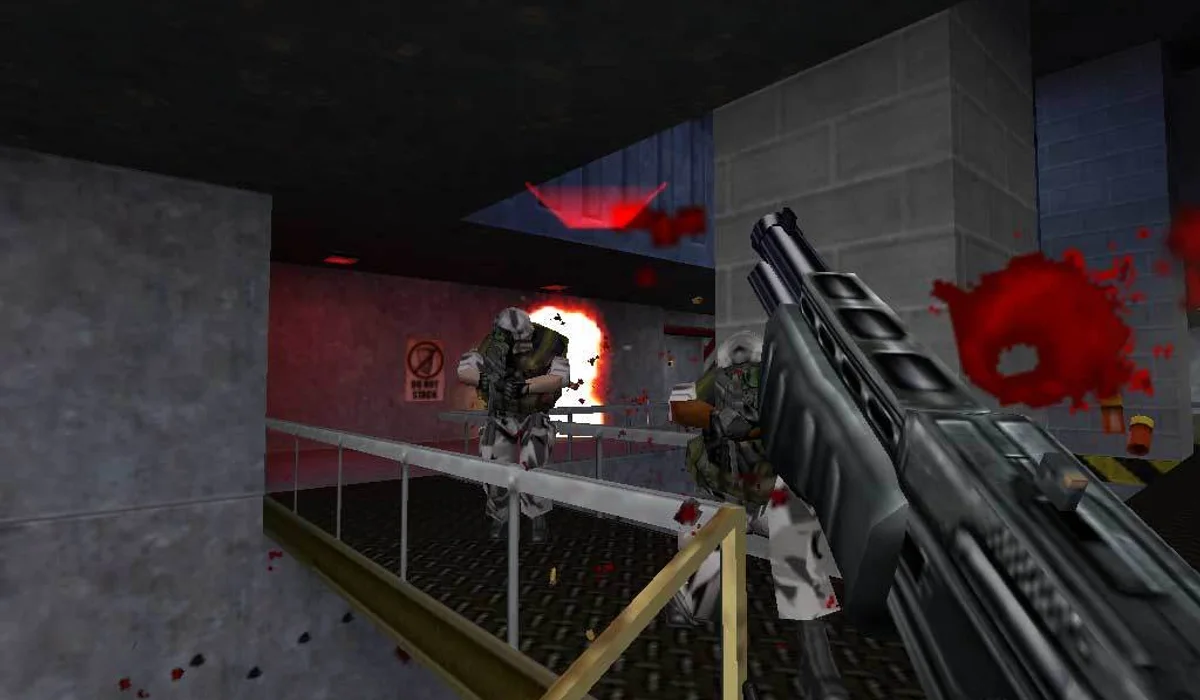
This Half-Life browser page uses WebXash and starts with its Half-Life: Uplink demo option. The launcher also exposes other demo and owned-file choices, so choose the intended version before starting. The Uplink option starts a standalone demo without importing your full-game folder.
How to start Half-Life: Uplink online
- Press Play Half-Life: Uplink above to open WebXash in the game window.
- Under Half-Life Demos, select “Uplink (45M).” Press Start Demo once the option is selected.
- Allow the download and loading screen to finish. Select New game from the in-game menu and choose a difficulty.
- Click in the game area before using keyboard and mouse controls. Open Configuration when you need to check or change the bindings.
The launcher's demo selector is easy to overlook because the page also has folder, ZIP and multiplayer fields. Those fields belong to other launch flows. For the Uplink demo, begin with the demo choice rather than an empty game-folder picker.
A Half-Life demo, with a separate full-game flow
Uplink is a demo experience. Playing it here does not supply the complete Half-Life campaign or a complete Counter-Strike installation. WebXash's full-game instructions use files from your own compatible installation. Open the original project for its folder-import instructions and file-access flow.
This is also a different endpoint from the pixelsuft Half-Life link in the original Radiant Optimizer browser games list. Keeping the project name visible helps you match instructions to the launcher you are actually using.
If the Half-Life demo does not start
Check that Uplink is selected and Start Demo is enabled. The browser needs time to fetch assets before the game menu appears. If the game has loaded but a key does nothing, click the frame to focus it. Use Open original when file pickers or mouse input work better in a separate tab.
A keyboard and mouse are the practical starting point for this WebXash page. Phone-sized layout support belongs to this website and does not add touch controls to the embedded game. If you want a different browser session, try QuakeWorld multiplayer or the Diablo shareware launcher.
Half-Life: Uplink: frequently asked questions
Is the full Half-Life game included?
The suggested launch is the Uplink demo. The full-game flow needs files from your own copy.
Why does Start Demo appear disabled?
Select a demo option in the launcher first. Choose Uplink (45M) to follow the demo steps on this page.
Can I use my own Half-Life files here?
The project documents a separate owned-file flow. Open WebXash on its original site for its file-access instructions.