
RADIANTGAMES · CLASSIC PC PROJECT ROUTES
PC Games Ported to Browser
Play classic PC games in a browser, with the version and setup made clear. Start with Uplink, Diablo shareware or QuakeWorld; other ports may need files from your own game copy.
Choose by the session you want
5 project routes
Half-Life: Uplink
shooters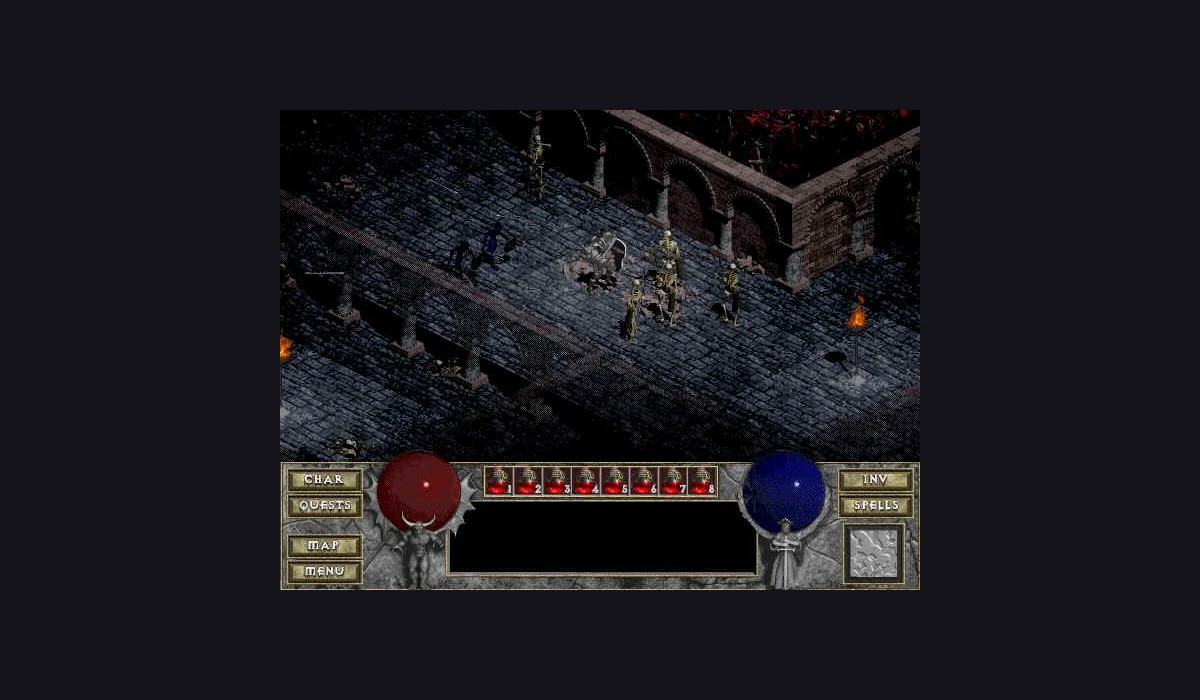
Return to Castle Wolfenstein
shooters
GTA III
open world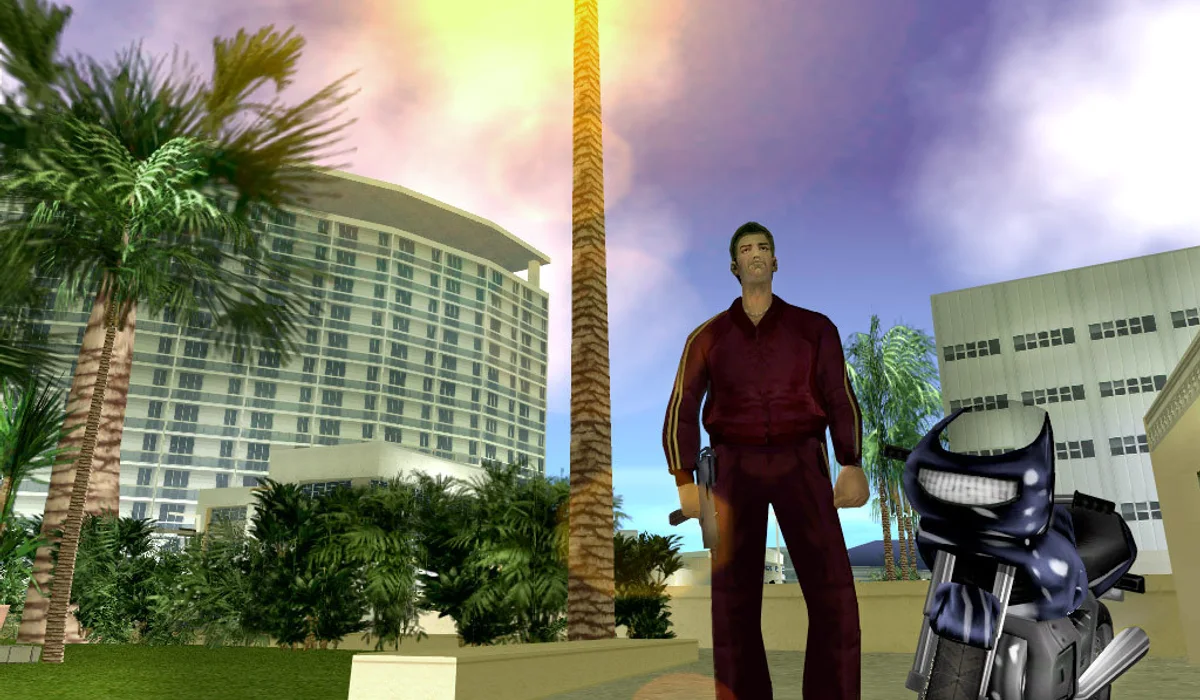
GTA: Vice City
open worldCompare browser PC games before the first download
| Project | Route | Requirements to check | Version notes |
|---|---|---|---|
| QuakeWorld | Arena | No owned-game import in q1; keyboard + mouse | Compare this project → |
| Half-Life Uplink | Demo | Choose the demo; compatible full-game folders are a different branch | Compare this project → |
| Diablo shareware | Shareware | Play Shareware; owned MPQ is separate | Compare this project → |
| GTA: Vice City | Own game data | Compatible game.tar.gz from your copy; save-slot import is separate | Compare this project → |
| Return to Castle Wolfenstein | Original project | Check the original launcher’s current input and session choices | Compare this project ↗ |
BEFORE YOUR NEXT SESSION
The right version makes a better first session
Browser PC games and browser ported games can describe very different experiences. The most useful choice is the version you want to play, rather than a familiar title alone. This collection compares five routes without implying that every retail campaign is included.
What does games ported to browser actually mean?
A browser port adapts an engine or project to the web. Its title alone does not tell you whether it includes a campaign, demo, multiplayer server or game data. Use this comparison of browser PC games to choose an actual version; the file requirements guide explains the import branch when it applies.
Begin with a demo, shareware or arena
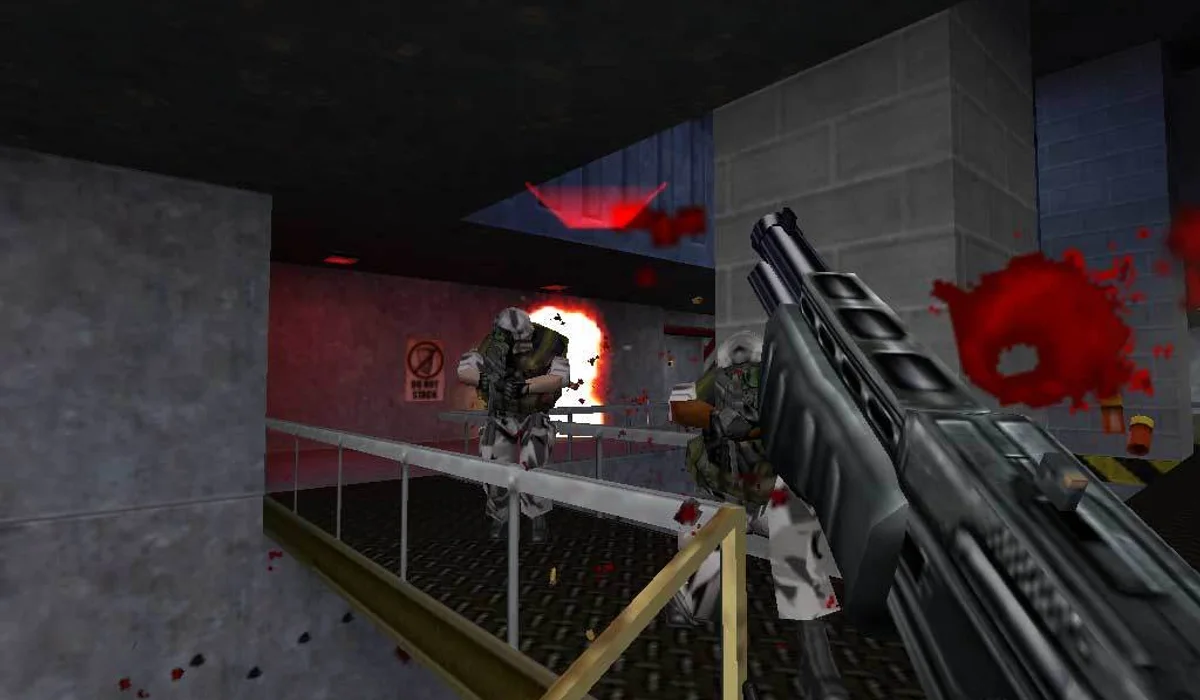
Half-Life Uplink is a standalone demo launched through WebXash. Choose Uplink in the demo selector, finish its first load, then use New game in the game menu. It is a focused way to try the engine without selecting a full-game folder.
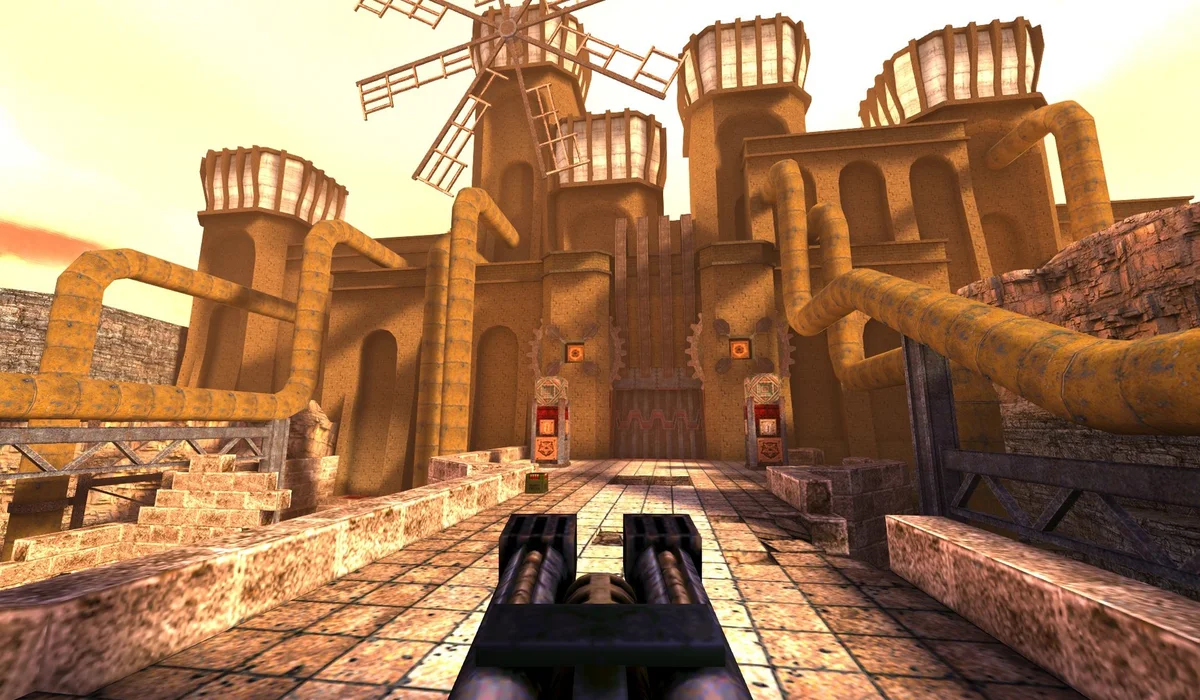
Diablo shareware uses DiabloWeb’s Play Shareware branch. Start Single Player and create a hero after loading. The Select MPQ branch is a different choice for your own full-game archive. QuakeWorld instead begins with a name and a multiplayer connection; it is an arena session rather than the Quake campaign.
When the classic needs your own data
GTA: Vice City browser play describes a game.tar.gz import from your own compatible copy. Read the selected port’s format and storage instructions before choosing the file. A PC save file is separate from that game-data archive.
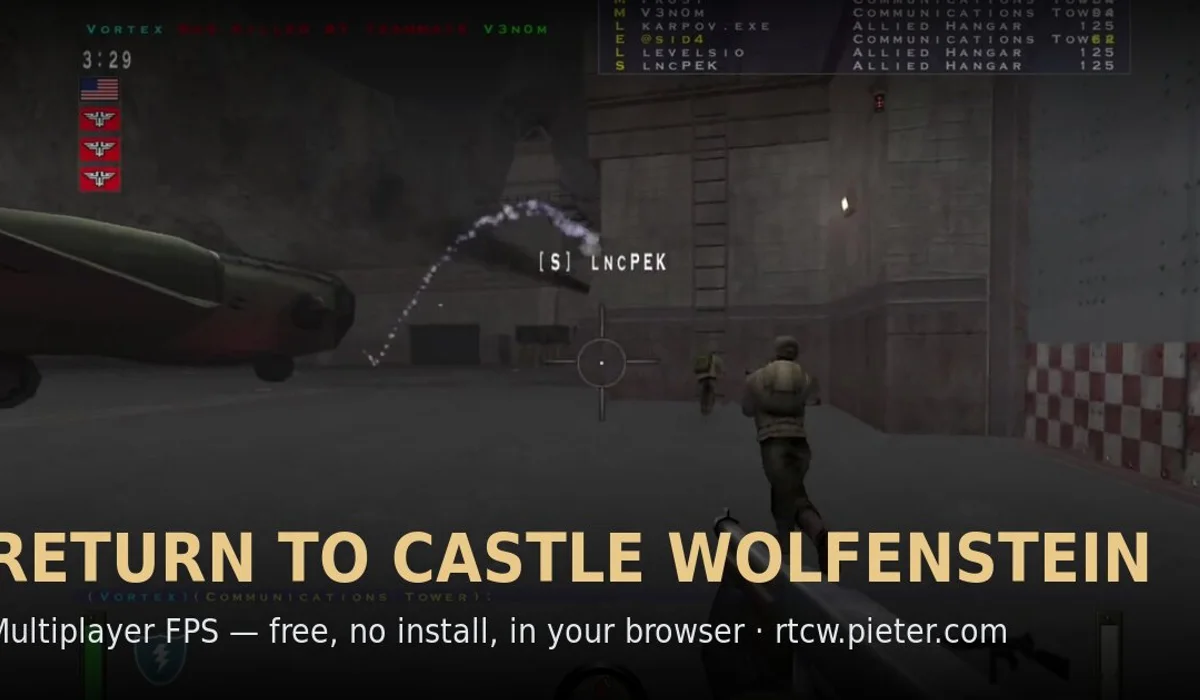
Return to Castle Wolfenstein is linked as an external browser project. Inspect its current launcher and session requirements on that site. The directory’s artwork identifies the game; it does not verify every level, control combination or multiplayer mode in that project.
Choose a first session by what you want to do
Choose Uplink for the standalone demo route, Diablo for a shareware RPG or QuakeWorld for an arena. If you already have the compatible data and want Vice City, prepare its import before settling in. The browser game file comparison puts archive, folder and disc-image formats beside the projects that use them.
Use the cards above to play, read a version guide or keep a favourite. Opening the original project in another tab leaves the comparison available when a file picker or menu asks for the next step.
Come back without confusing a bookmark with a save
The Save button remembers a project route on this device. Game progress belongs to the game host and its own save system. Before clearing site data or changing browser profiles, use that project’s export instructions if available. Our browser game save-progress help explains what a launcher bookmark can and cannot preserve.
A first visit can still download engine and game assets even when no desktop installation is needed. Let a moving progress indicator finish before refreshing, and compare the original project if an embedded window is blank.
Collection questions
Does classic PC browser play include every full game?
No. This collection labels the QuakeWorld arena, Uplink demo, Diablo shareware and projects with separate file requirements.
Does no installation mean no downloads?
No. Your browser still loads the project’s engine and assets. Some launchers also need compatible data from your own copy.
Will Save preserve my game progress?
Save remembers the launcher link in this browser. Game saves are separate and remain under the original project’s control.
BROWSE WITH A PURPOSE
Choose your next route
MORE ROUTES TO EXPLORE
Versions and new projects
 Azeroth Survivors
  WASM Arcade
 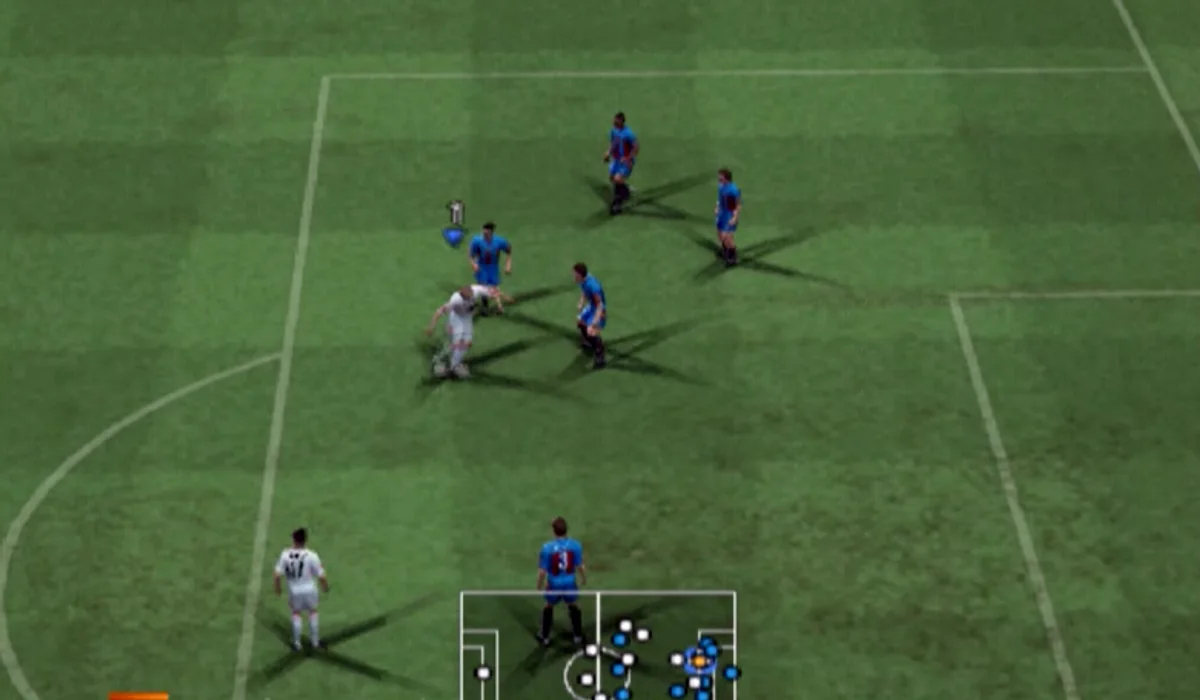 PES 6 Web
  Minecraft Eaglercraft
 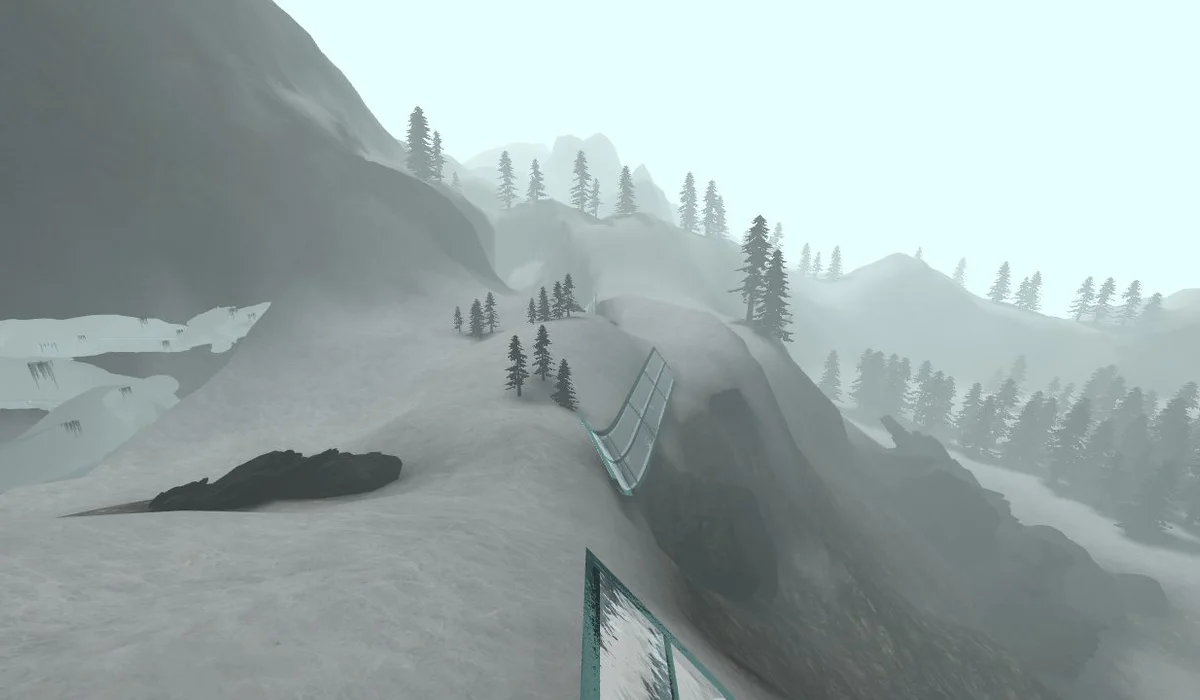 CS Surf browser
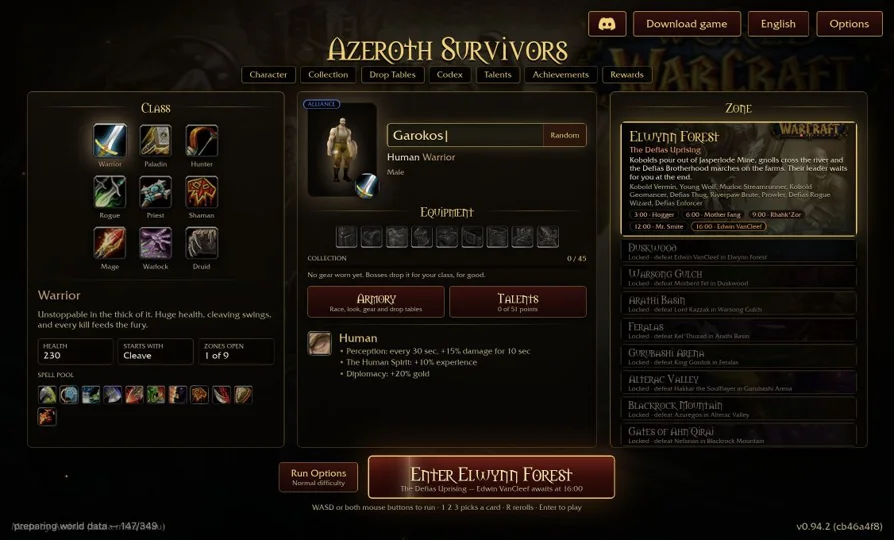
 Azeroth Survivors is a new browser project, separate from the classic PC ports.
FROM REFERENCE TO PLAY
Choose your next session
Compare versions here; use RadiantGames App for players and session help.