What the linked surf project offers
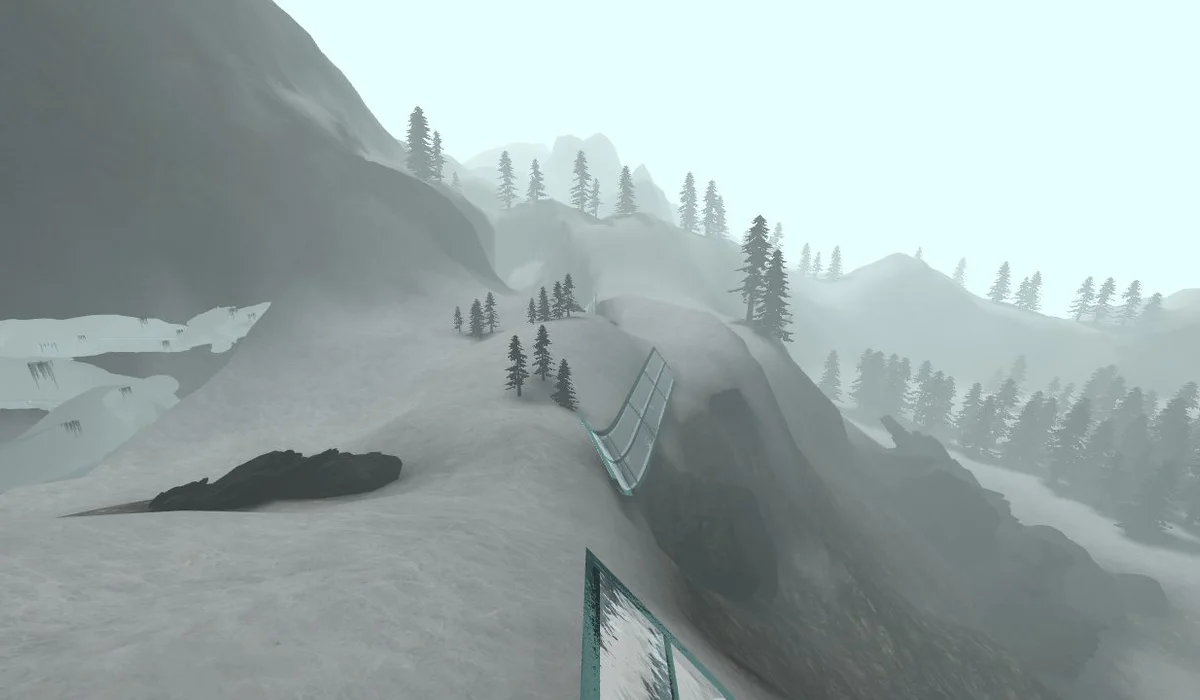
The reviewed Surfd page identifies classic Source-style surf and presents the surf_boreas course, a timer and checkpoints. It lists desktop keyboard and mouse as the input route. This is a movement challenge rather than the complete Counter-Strike shooter, matchmaking or an account-linked inventory. Open the original project to keep its mouse-capture and display controls together. Its current map and community features may change, so the live menu takes priority over an older screenshot.
Release W on the ramp and strafe toward its face
The project’s own instructions say to release W on a ramp and hold the strafe key toward the ramp face. Turn the mouse gently to shape the line. WASD moves or strafes, Space or wheel down jumps, Shift ducks, R restarts and Escape opens the menu. Green marks the start and gold the finish on the reviewed course. These notes explain the documented opening mechanics; they are not a timed completion or a leaderboard record.
Practice and a ranked run have different rules
The source offers a practice station and save/load position controls. Restoring a practice position keeps the run in practice mode, where leaderboard records are not submitted. It also distinguishes auto bunnyhop, unrestricted start speed and normal movement rules. Changing a rule restarts the current run according to its own notes. Choose the rules before you begin an attempt and avoid interpreting a practice finish as the same kind of result as a normal timed run.
Mouse focus and useful settings
Click Play in the project to capture the mouse. If movement or looking stops after visiting another tab, return focus to the scene before changing bindings. The Settings menu exposes mouse sensitivity, inversion, field of view, camera interpolation and rendering quality. Start with the documented balanced quality option if performance is uneven. Fullscreen enlarges the scene but does not repair unsupported input or choose a route for you.
Keep the next attempt easy to find
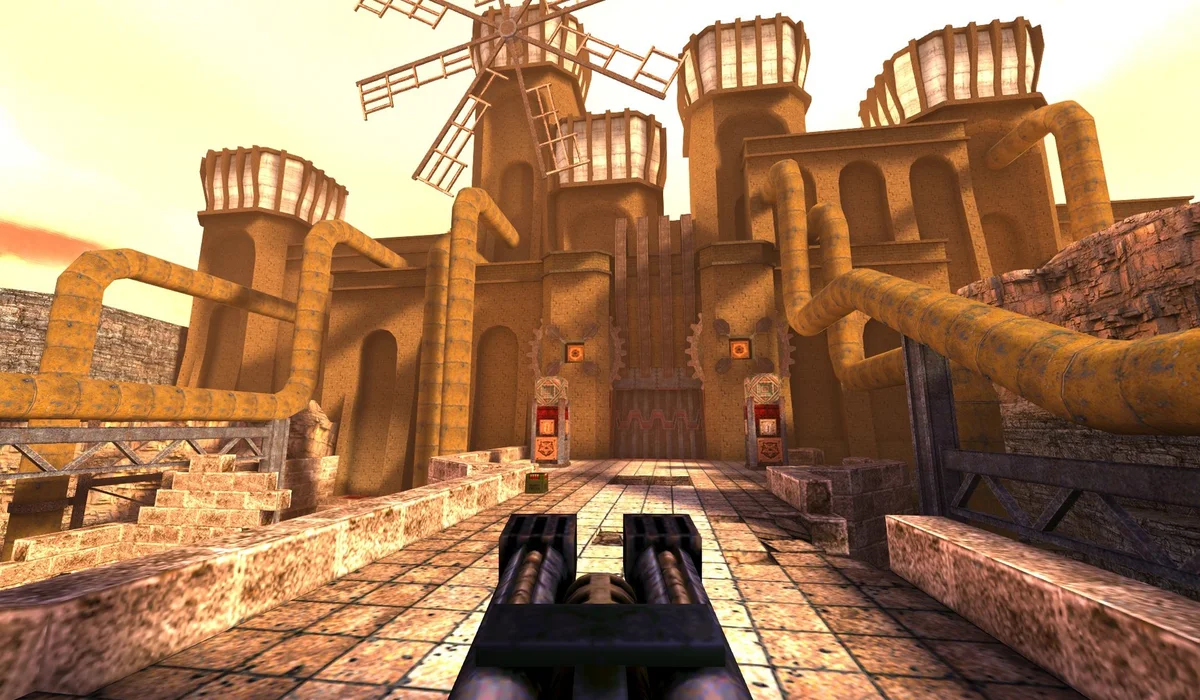
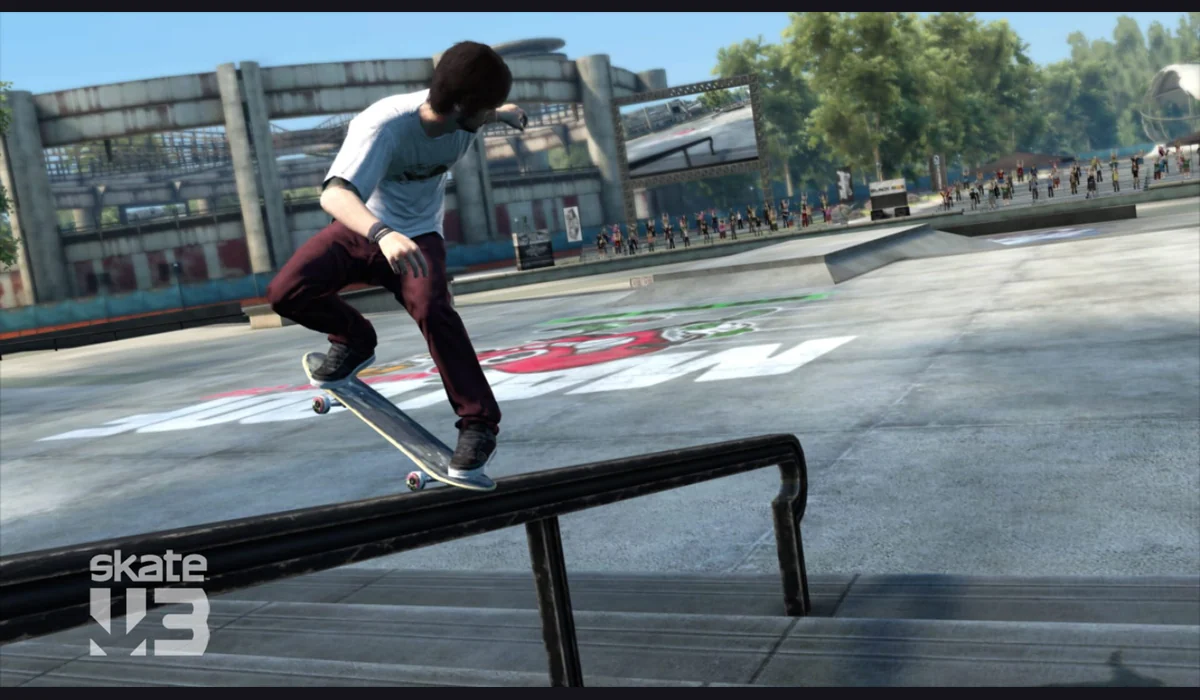
The page displays a local personal-best context and has replay and diagnostic tools. Its downloadable command replay is described as movement and view commands rather than a video recording. Use the project’s own tools for those records. Saving Surfd in our directory only stores its link. For a different keyboard-and-mouse session, compare QuakeWorld or the Skate clean-room project; those have separate launchers, graphics requirements and connection models.
Project source: surfd.net ↗.
Compare WASM Arcade · PC games ported to browser · All game projects