
CHOOSE A SMALL FIRST SESSION
Free browser games
Try an arena, a shareware classic, a building world or a short puzzle. These selected routes do not begin with an import from your own commercial game copy.
Start with the experience you want
Half-Life: Uplink
shooters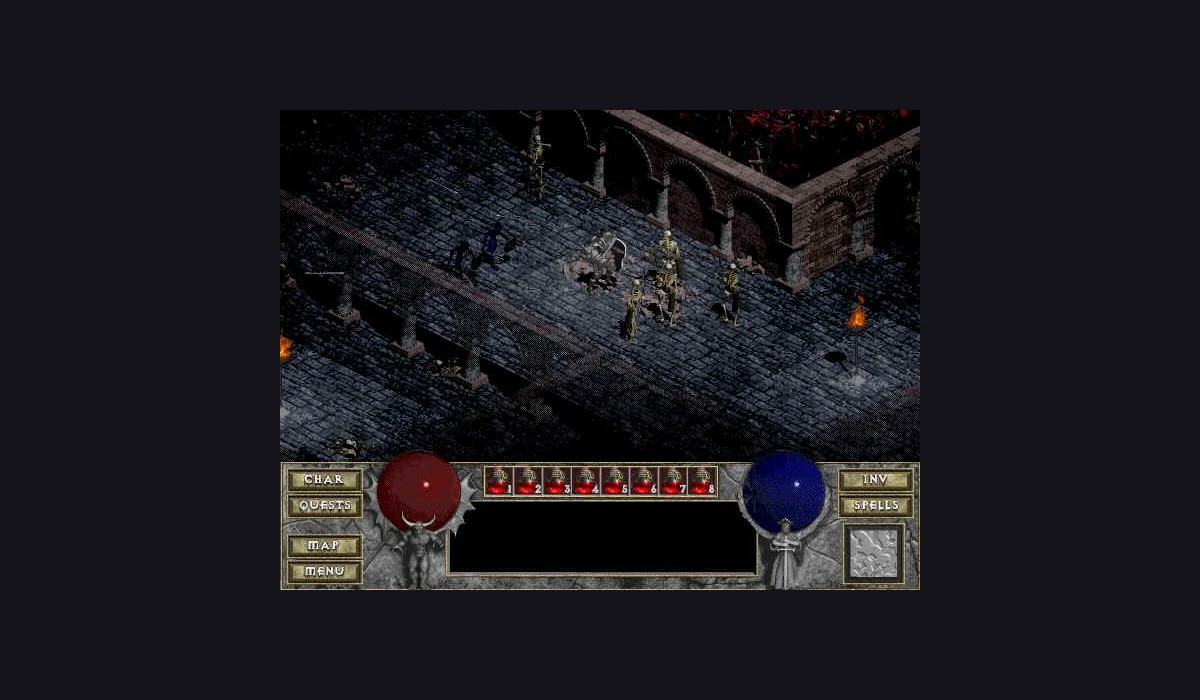
2048
puzzles
DOOM
shooters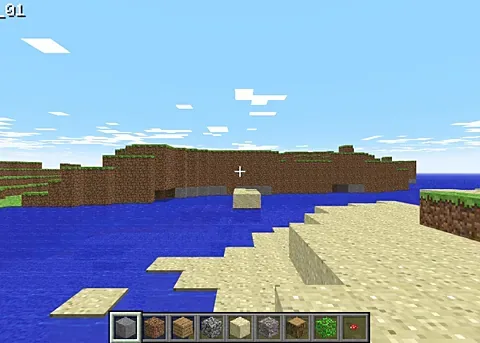
Minecraft Classic
open world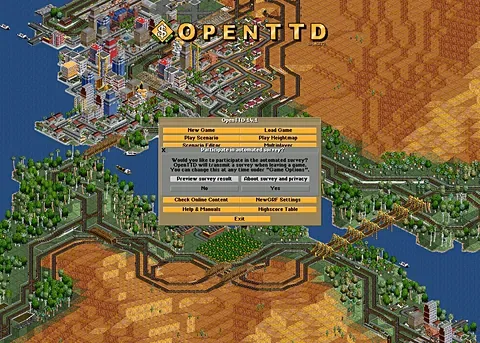
OpenTTD
strategy
Prince of Persia (1989)
platformers
Shell Shockers
shooters
Slow Roads
racing
BEFORE YOUR NEXT SESSION
Choose a free browser game that fits this session
A quick break or a longer game?
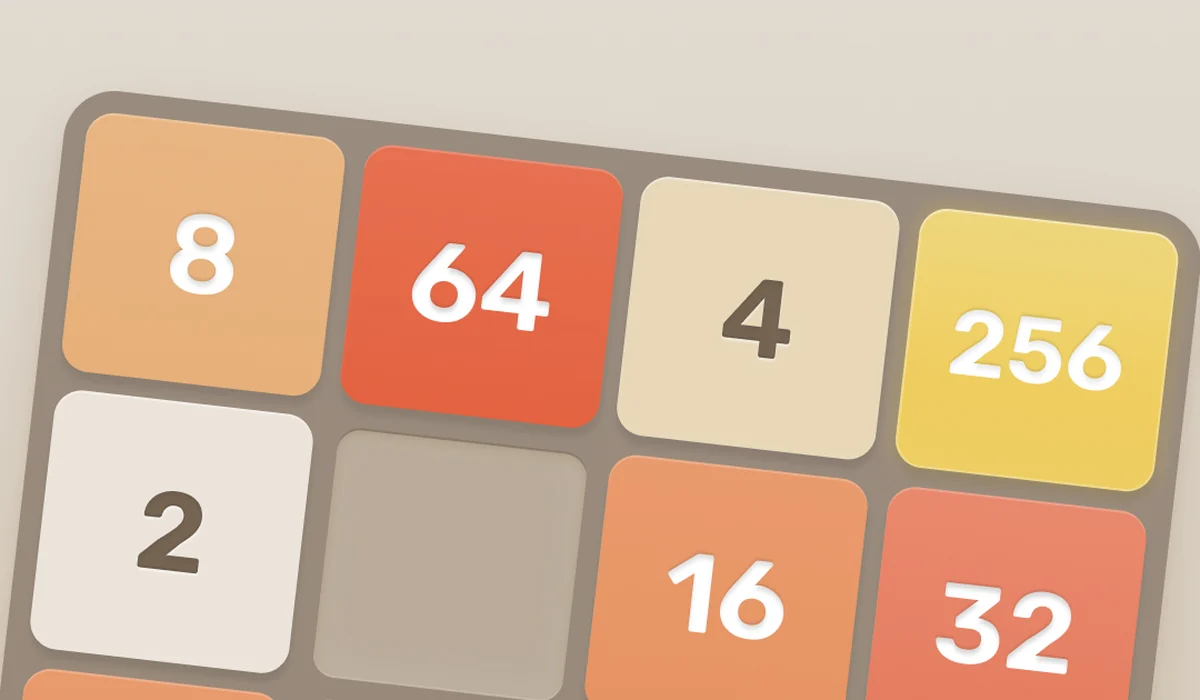
For a compact puzzle, choose 2048. PrinceJS gives you a platforming route, while Slow Roads offers a quieter drive. Minecraft Classic is a building sandbox and requires a keyboard. OpenTTD starts a transport-management session, where local-save instructions matter before your next visit.
Free versions of familiar PC games
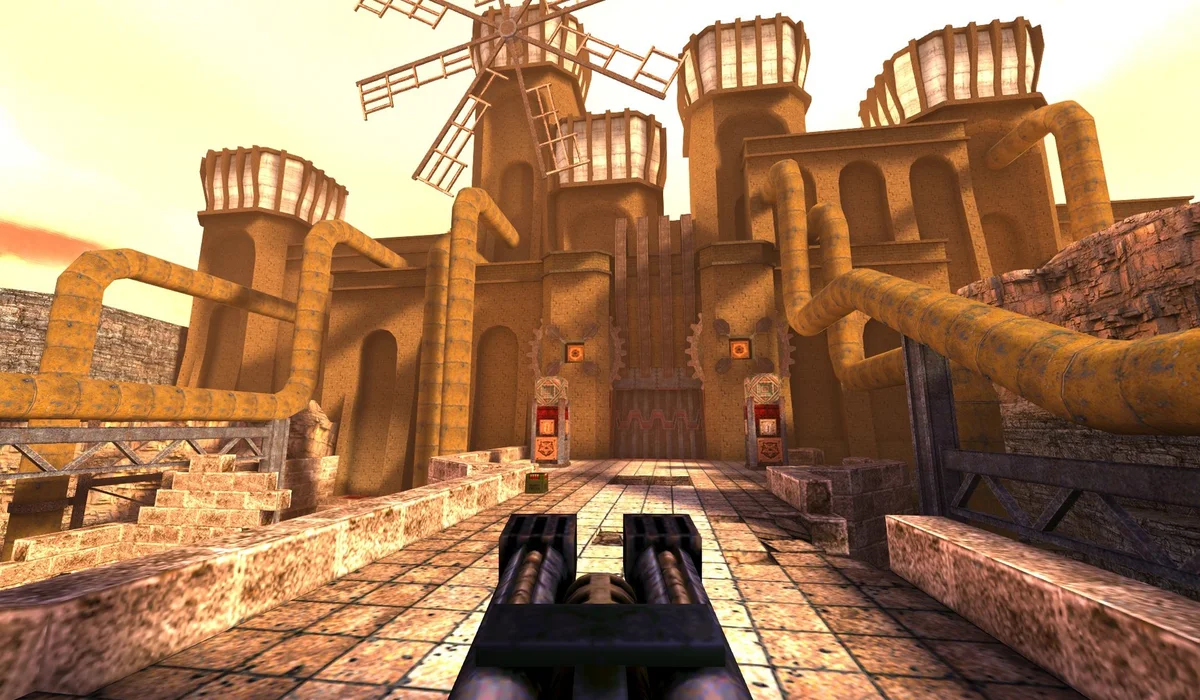
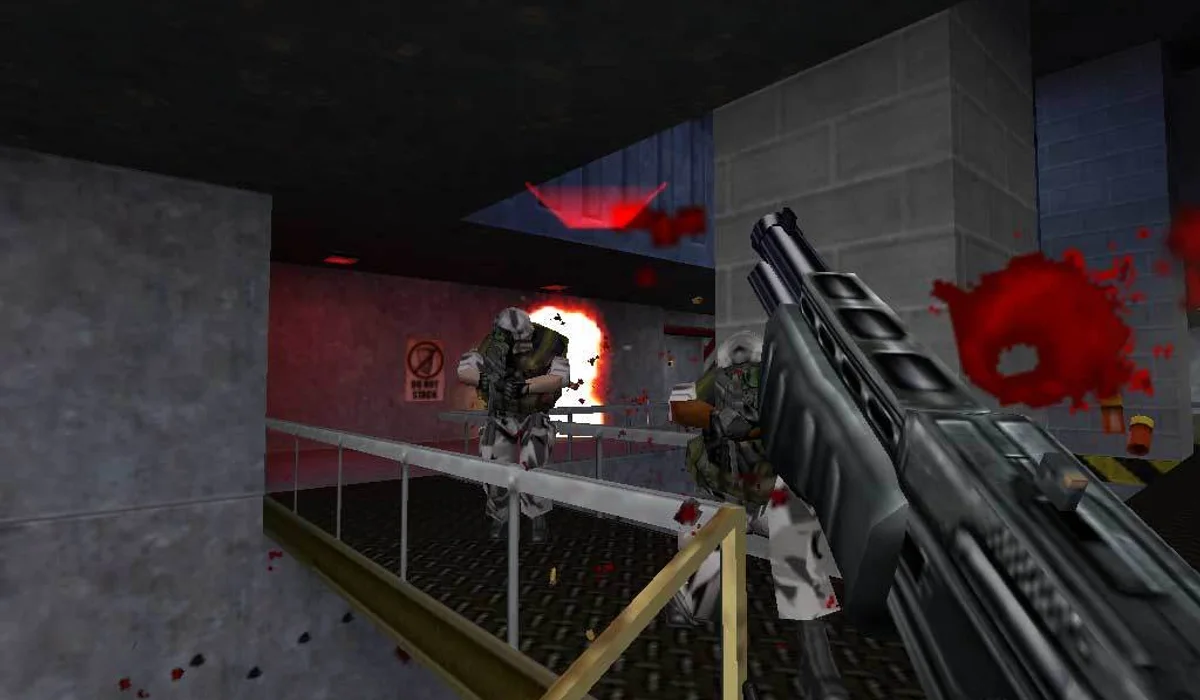
QuakeWorld is a live multiplayer arena. Half-Life Uplink is a standalone demo, and DiabloWeb shareware is a limited edition. These labels describe the actual route, rather than promising the complete retail campaign. DOOM has solo and multiplayer choices on the linked engine project.
Choose the Uplink demo route or Diablo shareware requirements when you want to compare that free version with an owned-game import. The classic PC browser games collection gives a wider version comparison.
No installer does not mean no loading
A browser still downloads code and assets. Keep a progressing download open and follow the project’s own menu. Some arenas also need a live connection. Three launchers run inside this site; the other buttons open the game’s original host in another tab, keeping this list available when you return.
Keep your next choice close
Use the bookmark on any card to build a local favourites list. It saves a project link rather than game progress. If a project is busy or unavailable, choose another title with similar input and setup instead of repeatedly refreshing the same server.
Are these full commercial games?
Some are native web games; others are demos, shareware or specific engine projects. The card and linked guide describe the selected version.
Do these routes need an installer?
No installer is part of the listed browser routes. The host can still download assets and may have its own entry or connection checks.
Can I play every pick on my phone?
No. Keyboard-dependent projects are labelled desktop. A responsive directory does not add touch controls to the game.
Where does my game save live?
The game project manages its own saves. A RadiantGames bookmark records only the project link on this device.
FROM REFERENCE TO PLAY
Choose your next session
Compare versions here; use RadiantGames App for players and session help.