BEFORE YOUR NEXT SESSION
Diablo Shareware in the browser: the version, the controls and the next step
Choose Play Shareware for the free demo. The complete game requires your own DIABDAT.MPQ.
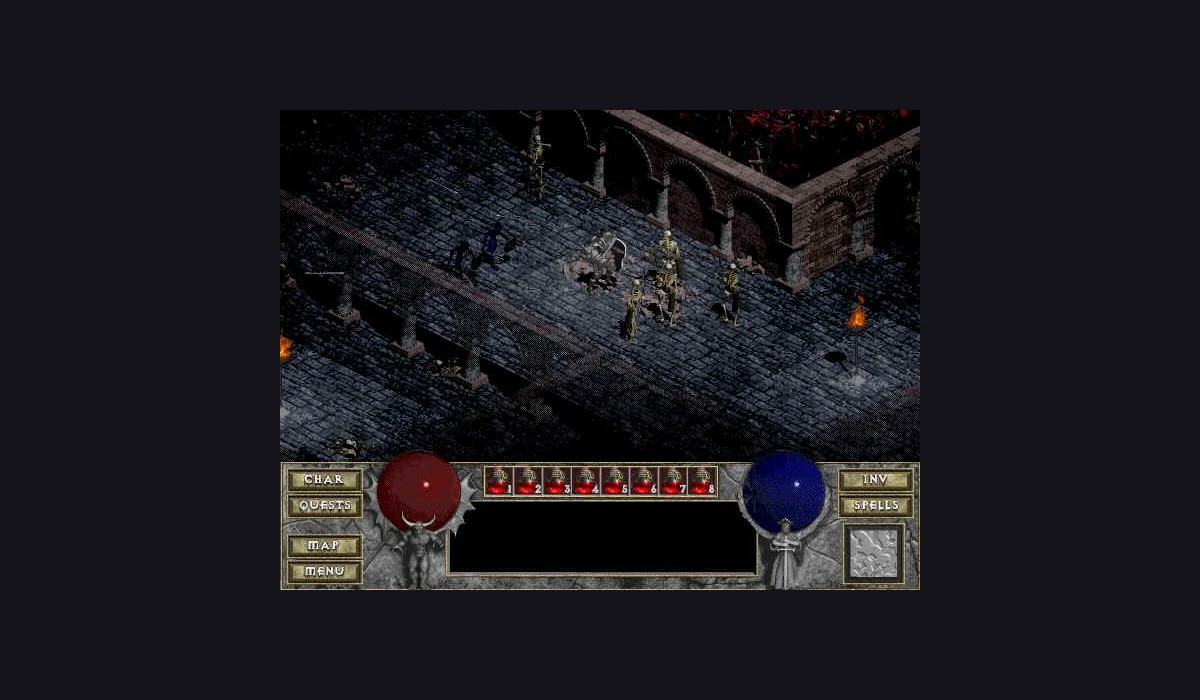
This Diablo browser page embeds DiabloWeb's shareware launcher. It offers a quick route into a free demo session and a separate MPQ choice for people who own the original game. Choose single player to create a hero and begin exploring Tristram.
How to play Diablo shareware online
- Press Play Diablo Shareware above to open the project in the game window.
- Choose Play Shareware. The launcher describes a first download of about 50 MB; let the loading sequence finish.
- Choose Single Player, create a hero, enter a name, and confirm the new game.
- Click a place to walk there, or click a character or target to interact. Use the in-game menu and interface buttons for the available options.
Begin with short movements around town to get comfortable with the isometric view. A visible target can sit close to scenery, so slow clicks make it easier to learn what the game selects. This style of play is different from a browser shooter that follows every mouse movement.
Diablo shareware versus the complete game
Shareware is the version reached through the free launch button. DiabloWeb also accepts your own DIABDAT.MPQ for the complete original game. The free session should not be described as the whole campaign, and this directory does not supply a full-game MPQ.
The original social list linked to johnimril's Diablo project. This page clearly uses the separate d07RiV DiabloWeb project, whose maintainer documents the shareware build. Both references are kept visible in our Radiant Optimizer games list, so a working demo is not silently presented as the original endpoint.
Loading, progress and returning to Diablo
Wait for the intro and menu after the first download. If the frame remains blank, try Reload game once or open the original project. Reloading can interrupt an unsaved session. Save and export options belong to the project; check them before clearing site data or moving to a different browser.
A mouse gives you a clear starting point for the point-and-click controls. The maintainer describes mobile capability, but this version's touch gameplay has not been verified in our checks. For another kind of session, explore Half-Life: Uplink or QuakeWorld in your browser.
Diablo Shareware: frequently asked questions
Is the entire Diablo game free here?
The free launch is shareware. The complete game requires your own DIABDAT.MPQ.
Which button starts the free version?
Choose Play Shareware in the embedded project. Select MPQ belongs to the owned-file flow.
Will reloading keep my current session?
Do not assume unsaved progress survives. Use the project’s save options before reloading or clearing browser data.