BEFORE YOUR NEXT SESSION
Understand the import before you choose a file
Games ported to browser may include the engine but need your own game data. Compare browser PC games and demo routes before preparing an import.
A browser game engine may be available on a webpage while its commercial game data is still supplied by the player. Read the version and import prompt together. This comparison helps you choose a route; imports happen at the original project, not at RadiantGames.
Try the version that does not need a full-game import
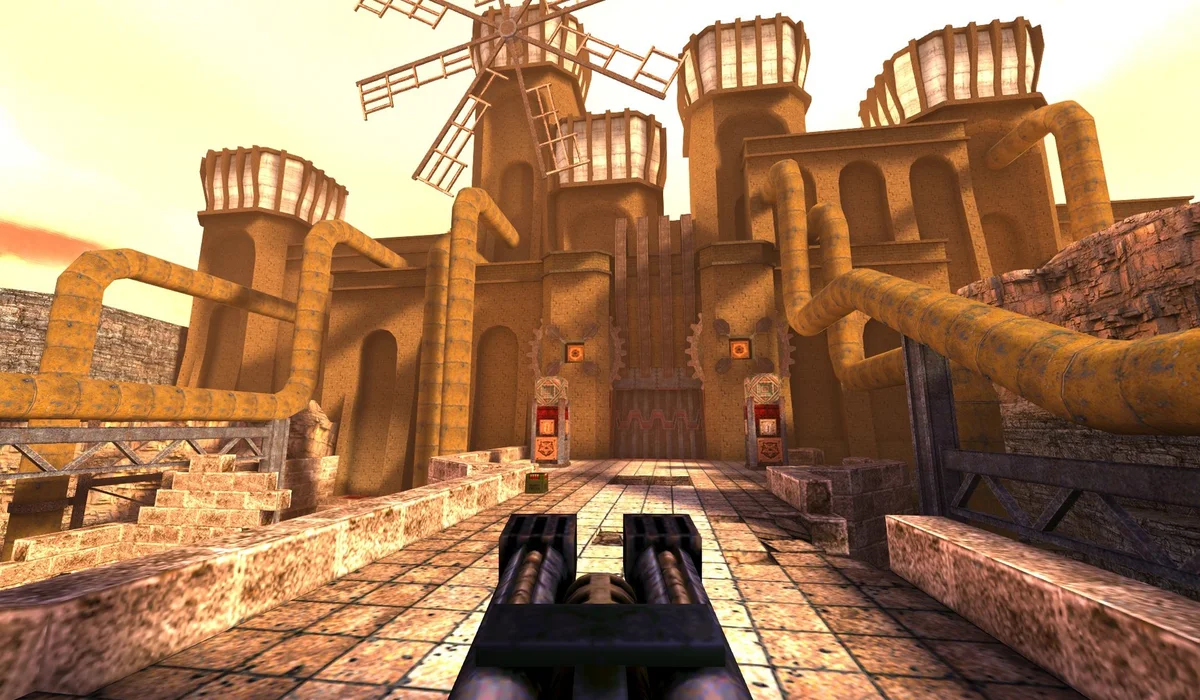
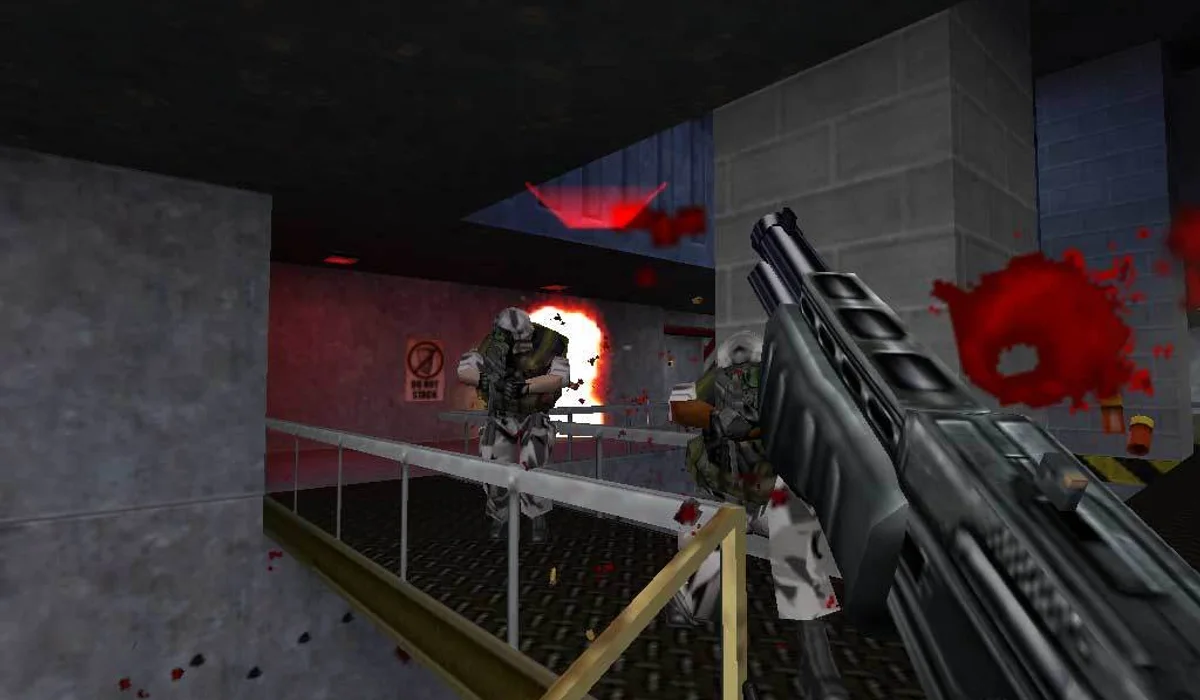
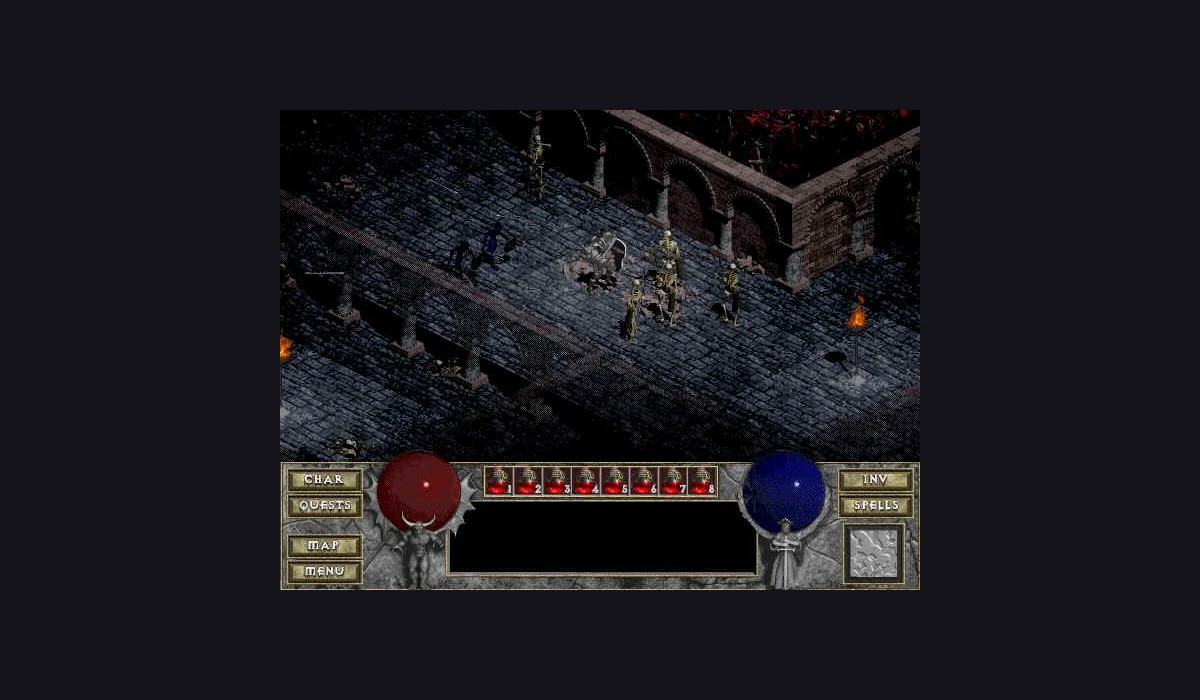
WebXash offers the Uplink demo selector, and DiabloWeb offers Play Shareware. Those are distinct starting routes beside full-game import options. Choosing the demo is useful when you want to test the player before preparing your own assets. The three embedded launchers in this directory are QuakeWorld, Uplink and Diablo shareware.
Match the format to the exact launcher
Halo’s Xbox image is not Vice City’s archive. Diablo’s MPQ is not a WebXash game folder. Follow the maintainer’s accepted format and game edition, keeping the original error message if a selection fails. Renaming a file does not convert its contents.
The Halo version guide distinguishes mobile and desktop imports. The Vice City guide separates game-data and save-slot choices. For WebXash and DiabloWeb, select the full-game branch only when you intend to use your own compatible files.
Keep assets, game saves and favourites separate
Assets let an engine load a game. A save describes progress within that game. A RadiantGames favourite stores only a link. One cannot replace the other. Read a project’s export and restore instructions before changing profiles or deleting its stored data. Clearing this directory’s recent links does not export a third-party save.
Storage is associated with the host and browser context. A file imported into one project does not automatically appear in a different host. The App save-progress guide provides a practical checklist for returning to the same session context.
Use the prompt to choose the next action
If a launcher asks for a game file, inspect the version you selected. If a download is moving, let it progress. If a menu is visible, use its start action. When a scene is visible but movement fails, focus and controls are a separate check. Our launch help follows those visible stages.
The Skate clean-room build linked in this directory is another distinct case: its published asset pack differs from projects that convert an owned retail copy. Identify the build before assuming a familiar game title has the same import requirement.
File requirement questions
Where do I import my game data?
At the chosen original project, following its current instructions. RadiantGames does not collect or host commercial game archives.
Can I use a save file instead of game assets?
No. The engine needs its compatible game data; a save restores progress in an already prepared game.
Do the demo routes need the full-game archive?
Uplink and Diablo shareware have separate demo launch choices. Use those choices rather than the full-game import prompt.